Data through 2026-07 · Source: U.S. EIA · Last refreshed October 2026
## Quick AnswerA smart thermostat saves money on a time-of-use (TOU) plan by moving your heating and cooling’s purchase times away from expensive hours — automatically, which is the only way it reliably happens. The mechanism is scheduling: pre-cool or pre-heat the house in cheap hours, coast through the expensive window, and recover after it ends. DOE’s benchmark — up to 10% a year on heating and cooling from a 7–10°F, 8-hour daily setback[1] — was measured on ordinary programmable schedules; a smart thermostat earns its premium by actually maintaining that schedule without anyone remembering to. What no thermostat does is change your rate: if your peak/off-peak gap is small, the automation has little to work with, and the smart move is checking your tariff before buying hardware.
This page is about the intersection of two subjects this site covers separately: how time-of-use rates work and whether programmable thermostats cut heating bills. If you’re on a flat rate, that second page is the relevant one — most of what follows only pays on a TOU (or demand-charge) tariff.
The Mechanism: Shift the Buying, Not the Comfort
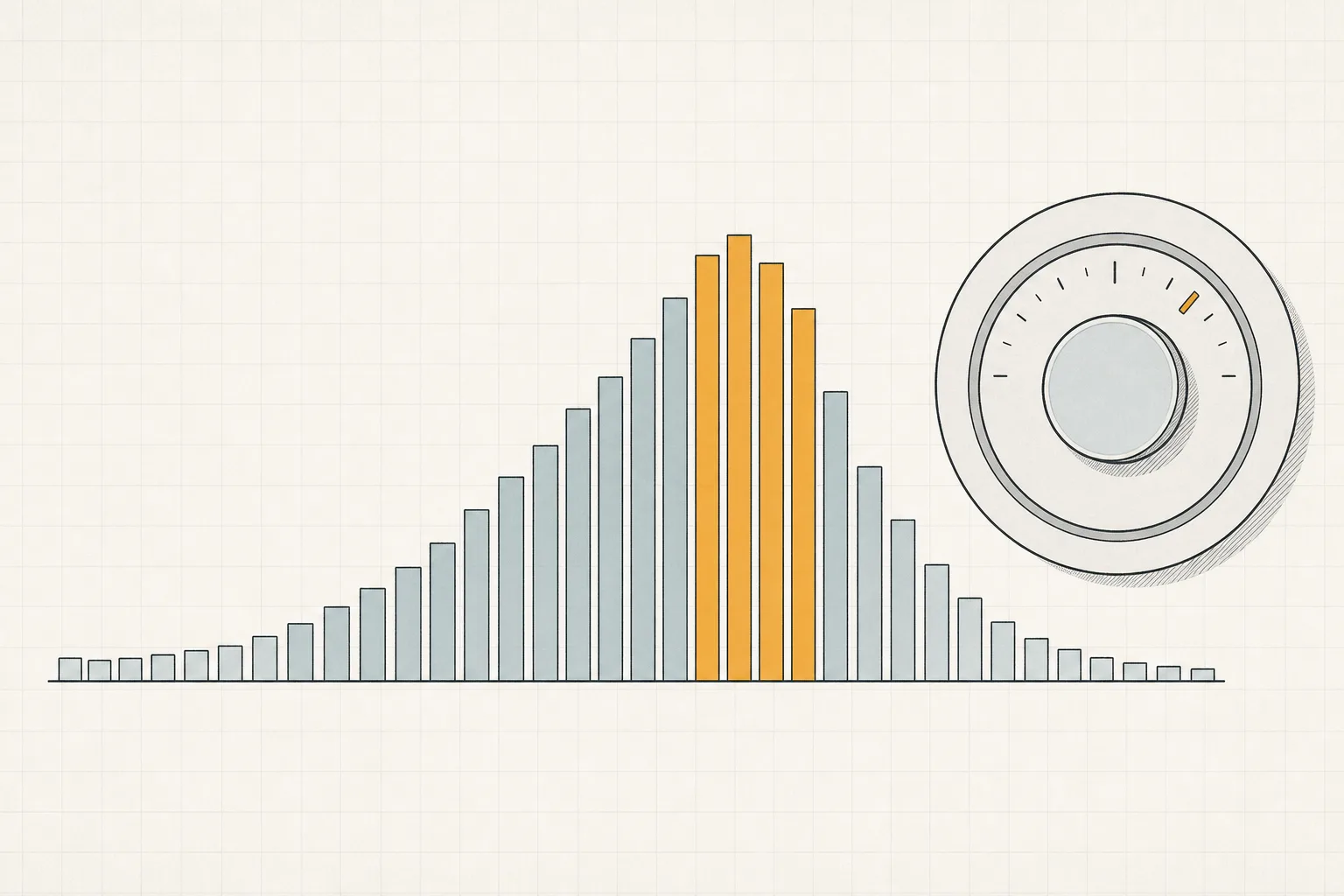
TOU plans price the same kilowatt-hour differently by hour — Pacific Gas & Electric’s E-TOU-C, for example, charges for power used 4–9 PM at a premium every day, and less in all other hours;[4] the national average residential price sat around 18.34¢/kWh in mid-2026.[3] Heating and cooling are typically the largest single load in a house, which makes them the most valuable thing to move off the expensive window.
Learns a schedule and keeps it without anyone remembering — the boring feature that actually produces setback savings. Connects to participating utilities' energy programs where offered. Vendor-reported savings are manufacturer figures — your result depends on your schedule and tariff.
Check price on Amazon As an Amazon Associate we earn from qualifying purchases. Price & availability shown on Amazon.com.A thermostat can’t store electricity — what it can do is store thermal comfort in the house itself:
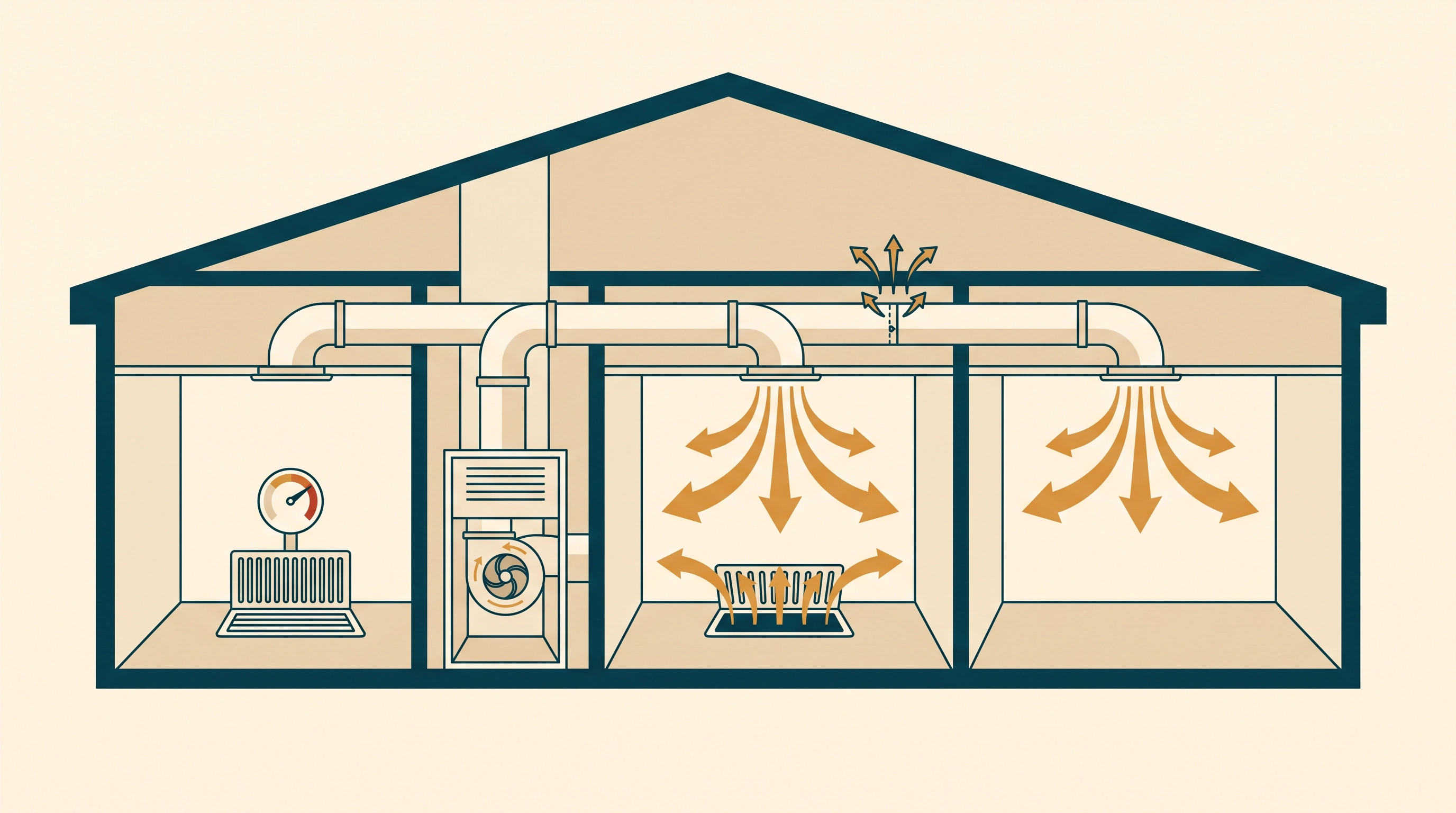
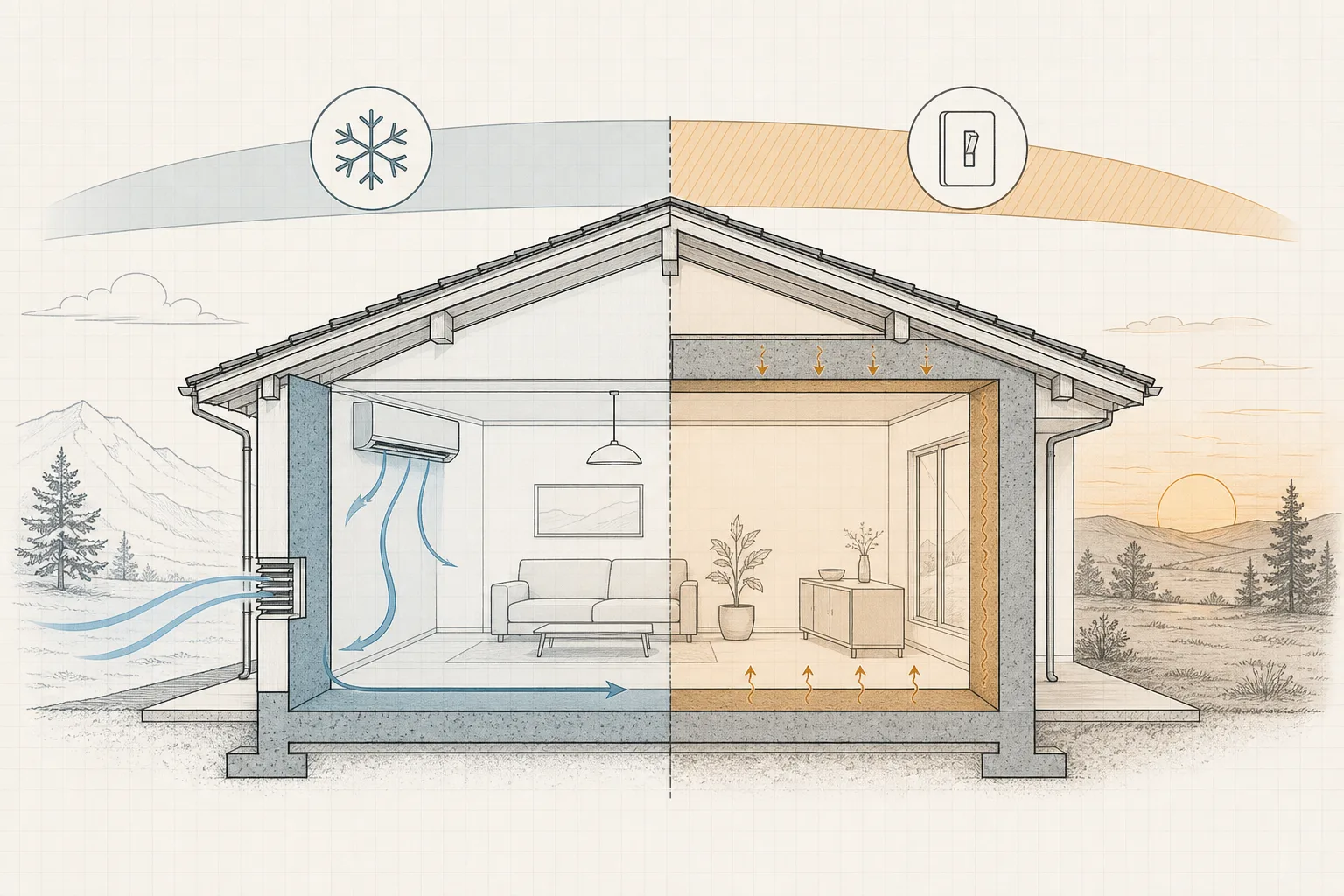
- Pre-cooling: run the AC hard at 2 PM (cheap), let the house drift up through the 4–9 PM peak with the compressor off or idling, resume after 9 PM. Done right, you buy the same kWh at the cheaper rate and the occupants feel a smooth afternoon.
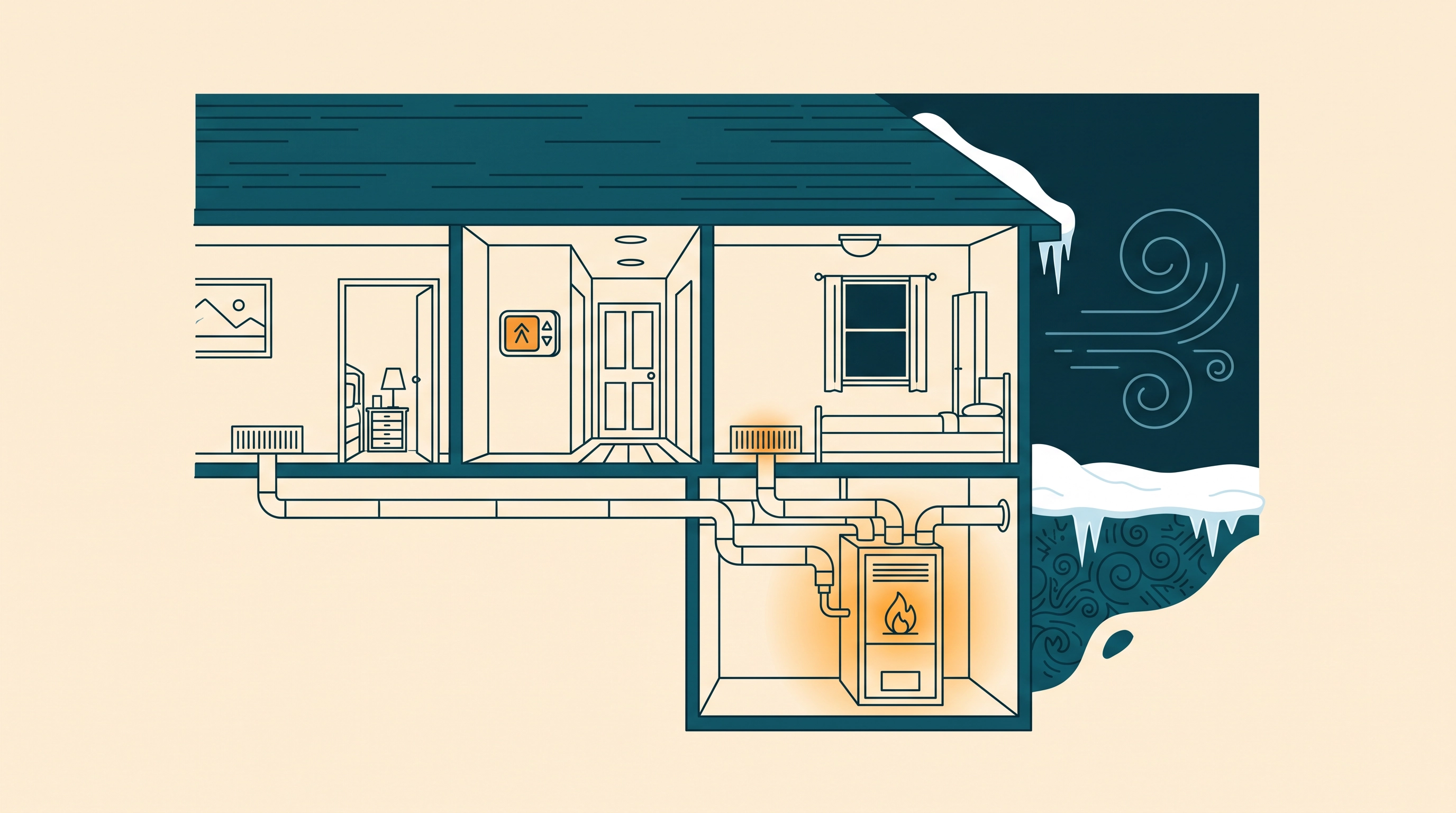
- Pre-heating: the winter mirror — warm the house before the morning peak, coast through it.
- The recovery trap: if the system recovers during the peak — because the drift was too aggressive or the schedule mistimes the peak window — you buy your kWh at exactly the wrong hour, and a badly tuned “smart” schedule can cost more than a dumb one held steady. This is why the feature that matters most on a TOU plan is schedule control at hourly granularity, not learning algorithms.
The One Feature That Matters on TOU: Hourly Schedules (and Utility Integration)
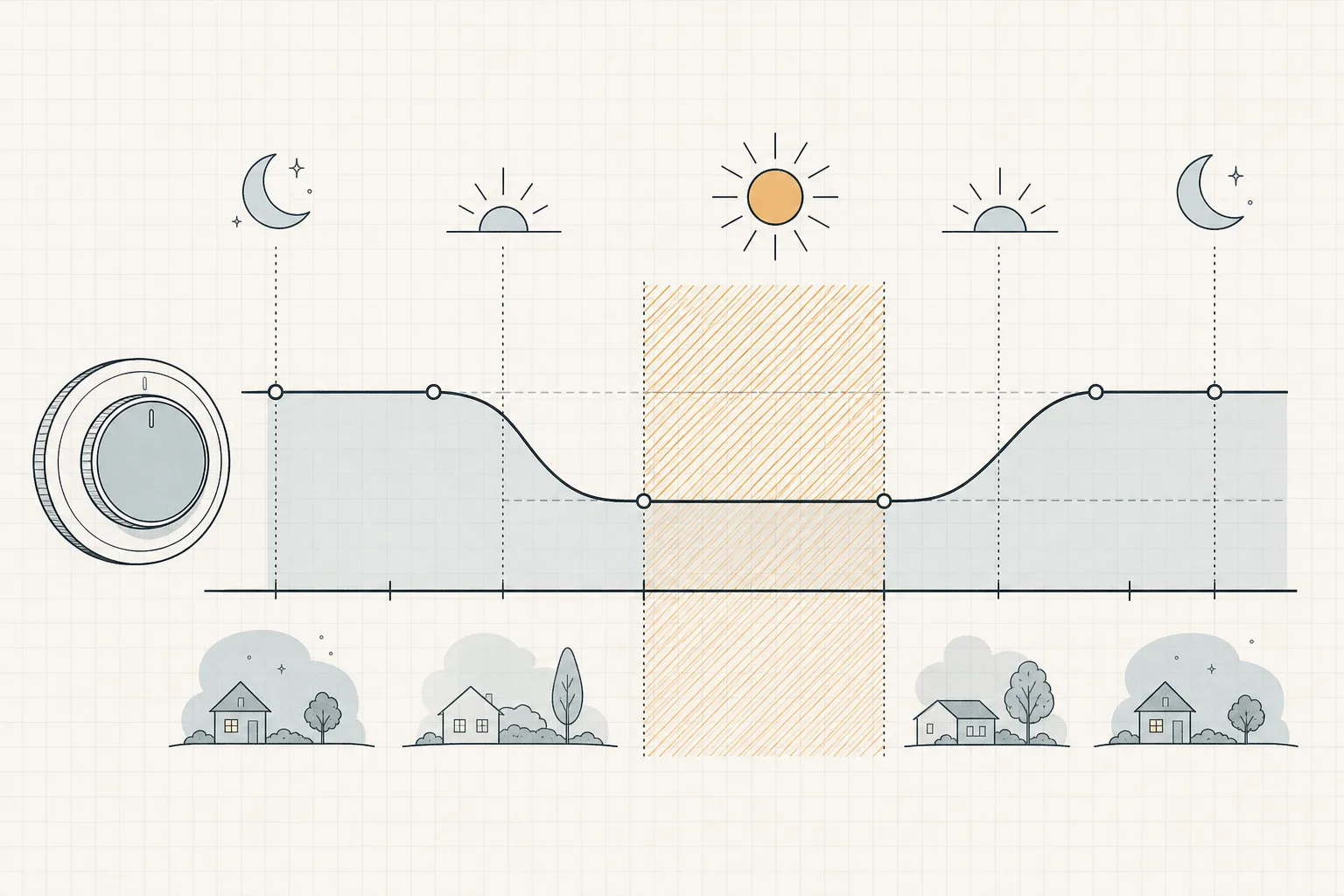
Two capability tiers separate thermostats on this specific job:
- Hourly/period scheduling (every major smart thermostat): you set target temperatures per hour block, aligned to your tariff’s windows. This alone executes pre-cooling. It requires you to look up your tariff’s peak hours once — what time is electricity cheapest collects typical windows by plan type.
- Utility program integration: the premium tiers from Nest and ecobee can connect to participating utilities’ energy programs — demand-response and, in some territories, rate-plan-aware scheduling — and adjust automatically when the tariff shifts, including seasonal window changes that manual schedules miss. Availability is territory-specific; check your utility’s compatibility list before paying for this tier. ENERGY STAR’s smart-thermostat criteria (which include verified savings and useful scheduling features) are a reasonable floor to look for.[2]
The learning feature that sells most smart thermostats — “it learns your comings and goings” — is worth little on a TOU bill if what it learns is presence rather than price. The models below both do the job; pick on ecosystem and how well your utility is supported.
Learns a schedule and keeps it without anyone remembering — the boring feature that actually produces setback savings. Connects to participating utilities' energy programs where offered. Vendor-reported savings are manufacturer figures — your result depends on your schedule and tariff.
Hour-by-hour schedules plus remote sensors that even out hot and cold rooms — useful when pre-cooling, since an even house drifts slower. Can join participating utilities' demand-response programs.
Check price on Amazon As an Amazon Associate we earn from qualifying purchases. Price & availability shown on Amazon.com.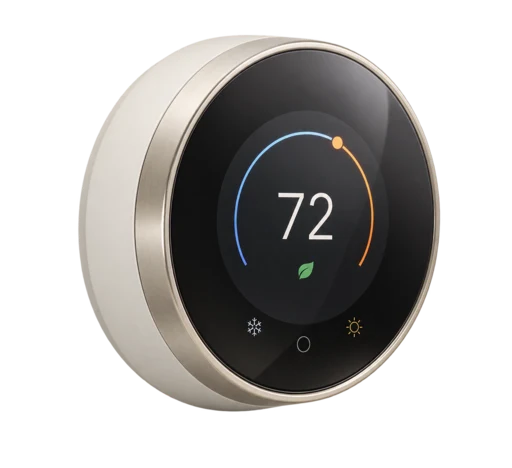
Hour-by-hour schedules plus remote sensors that even out hot and cold rooms — useful when pre-cooling, since an even house drifts slower. Can join participating utilities' demand-response programs.
Check price on Amazon Price & availability shown on Amazon.com — we may earn a commission.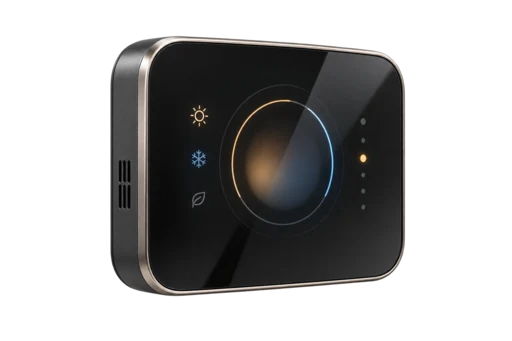
The Honest Math (and Its Two Wildcards)
No honest page can promise “X% off your bill” — the percentage depends on your peak/off-peak gap, your home’s thermal drift, and whether anyone overrides the schedule. What can be stated:
- The ceiling is the setback math. DOE’s 7–10°F, 8-hour framework tops out near 10% of heating/cooling cost on a flat rate[1] — TOU pricing raises the value of the same shifted kWh when the shifted hours land in the cheap window. A big gap (some summer tariffs double or triple the peak rate) makes the same shift worth several times more than a small one.
- Wildcard 1: heat pumps. Deep setbacks can force aux/backup heat on recovery, buying expensive resistance kWh to “save” cheap ones. Heat-pump households need gentle setbacks or a thermostat with heat-pump-aware recovery — aux vs emergency heat explains the failure mode.
- Wildcard 2: the envelope. A leaky house drifts fast — pre-cooled comfort evaporates before the peak ends, and the recovery lands in the expensive window. Air-sealing (how to find and seal drafts) is what makes pre-cooling hold; it’s the cheaper upgrade and it helps every other tactic on this site.
Who Should Buy What
| Situation | Recommendation |
|---|---|
| Flat-rate plan, regular schedule | A basic programmable thermostat does most of the job — the head-to-head covers it; skip the premium tier |
| TOU plan, predictable schedule | Any smart thermostat with hourly schedules; enter your tariff windows manually |
| TOU plan, variable schedule / seasonal utility changes | Premium tier with rate-plan or demand-response integration |
| TOU + heat pump | Heat-pump-aware recovery is mandatory, not optional |
| Renters | Check whether the thermostat is yours to replace before buying anything |
The Sequence That Beats the Thermostat
Before buying automation, spend the free fifteen minutes: confirm your rate plan is actually the problem (which rate plan is right for me), check whether your utility’s app already shows your hourly usage, and verify the thermostat isn’t compensating for a $4 air filter or a draft you could caulk this weekend (what MERV rating do I need). Automation amplifies a well-set-up house; it never substitutes for one.
Sources
- U.S. Department of Energy — Home Upgrades / Energy Savings Hub — thermostat setback savings framework (up to 10%/year for 7–10°F, 8-hour setback). Retrieved 2026-09-06.
- ENERGY STAR — Smart Thermostats — certified models independently certified, based on actual field data, to deliver energy savings. Retrieved 2026-09-06.
- EIA Electricity Monthly Update — End-Use Consumption — average residential price 18.34¢/kWh, June 2026. Retrieved 2026-09-06.
- PG&E E-TOU-C tariff — example TOU peak window (4–9 PM daily). Retrieved 2026-09-06.