Quick Answer
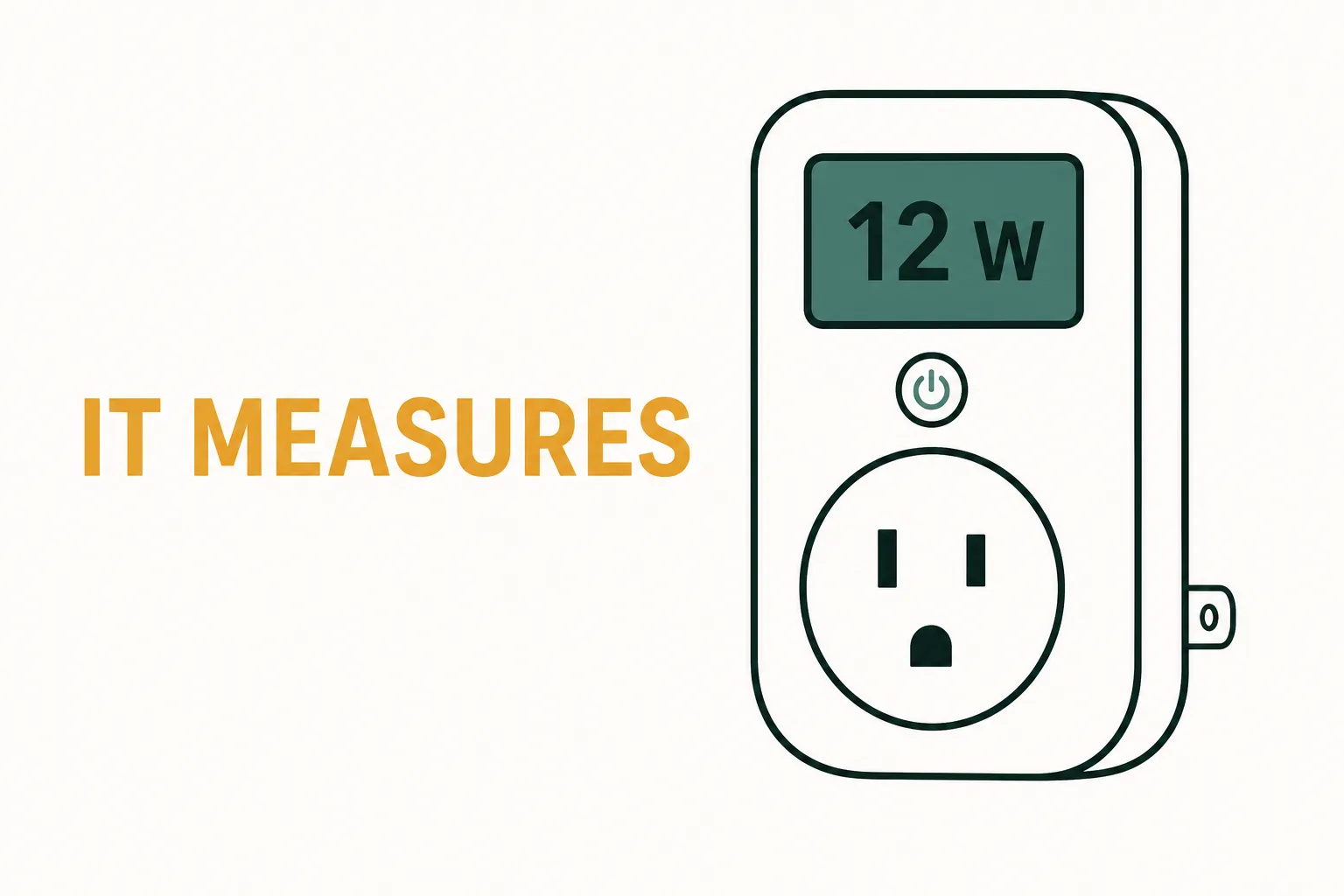
Look for the words “energy monitoring” in the product name or spec sheet — that is the feature that makes a smart plug a meter. A plug that measures energy contains a metering chip that reports live watts and cumulative kilowatt-hours to its app. The Kasa KP115, the Tapo P110M, and the Emporia Smart Plug all do this, and their spec sheets say so explicitly.[1][2][3] The widely sold basic class — Kasa’s HS103 and similar mini plugs — switches power on and off with no metering chip: the app shows on/off and schedules but never a wattage reading. The two kinds often sell within a few dollars of each other.
For scale: residential electricity averaged 18.34 cents per kilowatt-hour in June 2026, up 5.0 percent from a year earlier.[4] A metering plug does not change that number — it tells you which of your devices are doing the changing.
What “Energy Monitoring” Means on a Spec Sheet
A standard smart plug contains two parts: a Wi-Fi radio and a relay — a switch the app opens and closes. Nothing in that circuit measures anything. Automate lamps and chargers on a schedule all day; the app still cannot answer the house’s simplest energy question: how much is this device using?
An energy-monitoring plug adds a third component: a metering chip on the AC side that samples voltage and current and computes real power. That chip is what puts two numbers in your app — watts right now, and kilowatt-hours accumulated over a day, week, or month. (If the units are foggy, what a kilowatt-hour actually is is the two-minute primer.)
Manufacturers that meter say it loudly. TP-Link puts the phrase in the product name itself: the KP115’s page is titled “Smart Wi-Fi Plug Slim with Energy Monitoring,"[1] and the Tapo P110M’s is “Mini Smart Wi-Fi Plug, Energy Monitoring."[2] Two traps: “energy saving” in marketing copy means scheduling features, not metering, and a plug being smart does not mean it measures. If a listing is vague, search its specifications for “monitoring” or “real-time” — if neither appears, assume the plug measures nothing.
The Comparison: Which Plugs Actually Meter
| Model | Meters energy? | Max load rating | Ecosystem | Price band |
|---|---|---|---|---|
| Kasa KP115 | Yes — real-time watts and history in the Kasa app[1] | 15 A / 1.8 kW at 120 V; motors up to 1/6 HP[1] | Kasa app; Alexa and Google voice control | $20-30 |
| Kasa KP125M | Yes — energy monitoring, Matter certified | 15 A / 1,800 W class | Kasa app plus Matter: Alexa, Google, Apple Home | $20-40 (2-pack) |
| Tapo P110M | Yes — real-time watts and past-7-day energy in the Tapo app[2] | 15 A / 1,800 W (TP-Link mini-plug platform) | Tapo app plus Matter: Alexa, Google Home, Apple Home | $15-40 (2-pack) |
| Emporia Smart Plug | Yes — real-time monitoring in the Emporia app[3] | 15 A / 1,800 W at 120 V; 2,400 W at 240 V per Emporia’s guide[3] | Emporia app; pairs with Vue whole-home monitors | $18-28 |
| Basic mini plugs (Kasa HS103 class) | No — on/off switching only | 15 A / 1,800 W class | Kasa, Wemo, Wyze and similar apps | Cheapest tier |
All the metering plugs share one electrical class — 15 amps, 1,800 watts at 120 volts — so the choice among them is about the app, not the meter. The basic plugs in the bottom row are good switches; they simply cannot answer a usage question, and no firmware update will change that.
The Three Plugs That Measure, Briefly
Kasa KP115 — the established pick. UL certified with a two-year warranty, and a spec sheet unusually plain about limits: 15 A, 1.8 kW at 120 V, motors up to 1/6 HP.[1] The Kasa app shows real-time watts and day-by-day energy history. It sits in the $20-30 band.
Slim Wi-Fi plug with a metering chip: the Kasa app reports real-time watts and historical energy use for whatever you plug in. UL certified, two-year warranty, no hub required.
Check price on Amazon Price & availability shown on Amazon.com — we may earn a commission.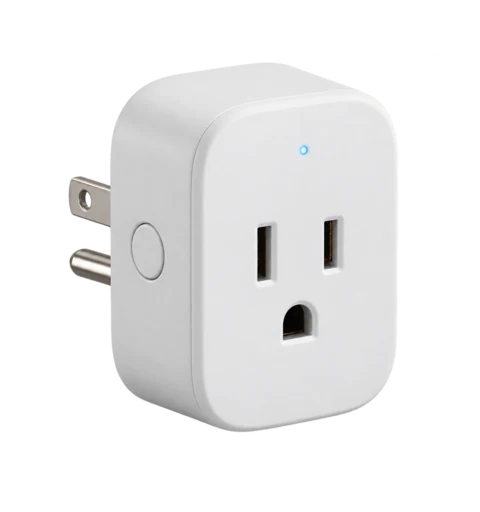
Kasa KP125M — the Matter-generation pick. The KP115’s successor in spirit: same metering in the Kasa app, now Matter-certified, so it joins Apple Home alongside Alexa and Google instead of being voice-assistant-limited. Two-packs are the usual buy. If you are choosing between the two Kasas and your home runs Apple Home, the KP125M is the one.
Slim Wi-Fi plug with a metering chip: the Kasa app reports real-time watts and historical energy use for whatever you plug in. UL certified, two-year warranty, no hub required.
Check price on Amazon As an Amazon Associate we earn from qualifying purchases. Price & availability shown on Amazon.com.The current-generation Kasa metering plug: real-time energy use in the Kasa app, Matter certified for Apple Home, Alexa, and Google. Two outlets per box; no hub required.
Check price on Amazon Price & availability shown on Amazon.com — we may earn a commission.
Tapo P110M — the cross-platform pick. Matter certified, so it pairs with Alexa, Google Home, or Apple Home rather than locking you into one ecosystem.[2] The Tapo app shows current watts alongside past-week totals, and the $15-40 two-pack covers two outlets at once.
Tapo's mini plug tracks real-time watts and weekly kWh in the app and is Matter certified, so it works across Alexa, Google Home, and Apple Home. Two-pack; no hub required.
Check price on Amazon Price & availability shown on Amazon.com — we may earn a commission.
Emporia Smart Plug — the ecosystem pick. Real-time energy monitoring with app control and no subscription — all app features are included with purchase.[3] Its distinctive row is the tie to Emporia’s Vue whole-home monitors: one metered outlet now, a whole-panel view later. Rated for indoor use only;[3] it sits in the $18-28 band.
Wi-Fi plug with real-time energy monitoring and app scheduling; Emporia includes all app features with no subscription. Indoor use only; pairs with Vue whole-home monitors.
Check price on Amazon Price & availability shown on Amazon.com — we may earn a commission.
One more for the tinkerers: Shelly Plug US. Outside the three mainstream apps sits the plug the Home Assistant community favors — Shelly’s US plug meters power precisely and, unusually, can be controlled locally over your network without any cloud account, which matters if you want your energy data living on your own hardware. It is the choice of a specific temperament (self-hosted dashboards, local automation), not a better meter of the same question — and TP-Link’s mainstream plugs remain the simpler answer for everyone else. Current Shelly generation is Gen3/Gen4; check its product page for the current model if local control matters to you.
Which One Fits Your Setup
Pick by the app you already use — all three meter the same way. If your household already runs Kasa or Tapo devices, the KP115 or P110M adds metering without adding a new app. Split across platforms — an Apple Home household with an Alexa speaker, say — the P110M’s Matter support decides. If the suspicion is bigger than one device, the Emporia plug is the renter-friendly on-ramp to a whole-home system; this site’s standby-power guide shows how one metered outlet fits a full audit.
Renters: this is as landlord-proof as hardware gets — no hub, no tools, no panel access, nothing bolted on; it uses an outlet you already have and moves out with you. And if the budget is zero, the no-hardware options in what gadgets actually lower utility bills, including a utility app’s hourly data, answer a surprising share of usage questions before you spend anything.
The Window AC Question, Answered Honestly
A 15-amp metering plug can meter some window air conditioners — and the wrong window AC can overload it. Most window units draw well under the plug’s 15 A ceiling while running. The complication is compressor startup: for a fraction of a second each time the compressor kicks on, an air conditioner draws several times its running current, and that inrush is what a smart plug’s relay has to absorb, repeatedly, all summer. That is why TP-Link’s KP115 spec lists a motor limit — 1/6 HP — alongside 15 A: motors and compressors stress relays in ways lamps and chargers do not.[1]
The current-generation Kasa metering plug: real-time energy use in the Kasa app, Matter certified for Apple Home, Alexa, and Google. Two outlets per box; no hub required.
Check price on Amazon As an Amazon Associate we earn from qualifying purchases. Price & availability shown on Amazon.com.So the procedure is the nameplate, not the article. Read the amps (listed as amps or RLA) on the AC’s data plate. If running amps sit comfortably below 12, a rated metering plug is a plausible monitor. If the nameplate sits at or near 12-15 A, or the unit is a larger model, a consumer smart plug is the wrong instrument — Emporia’s own compatibility guide puts portable A/C units in its check-the-rating-first cautions rather than recommending them outright.[3] If the plug cannot safely run the AC, it cannot safely meter it; a monitoring value never justifies a relay pushed past its rating, and a plug that fails in mid-August has switched off a working air conditioner.
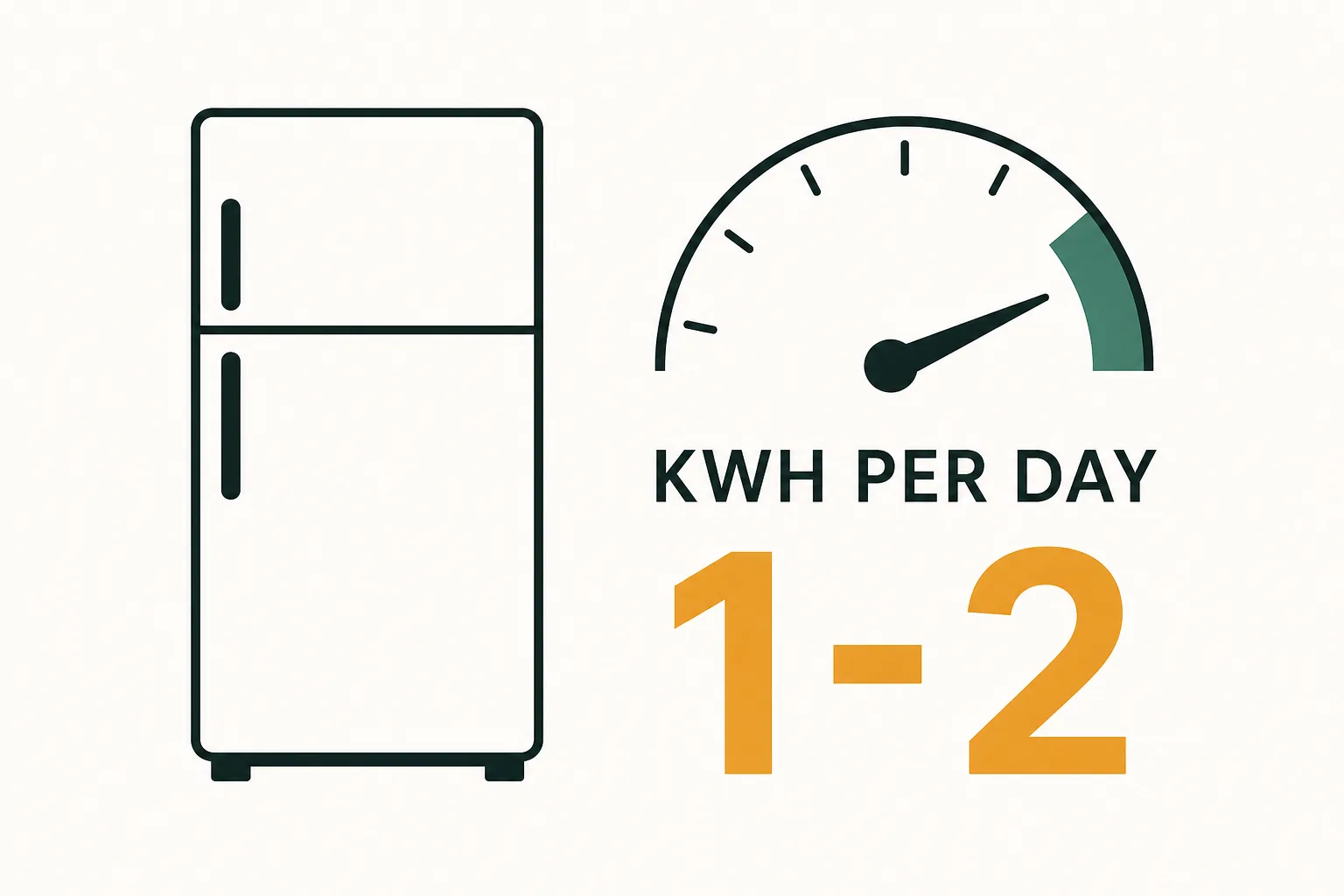
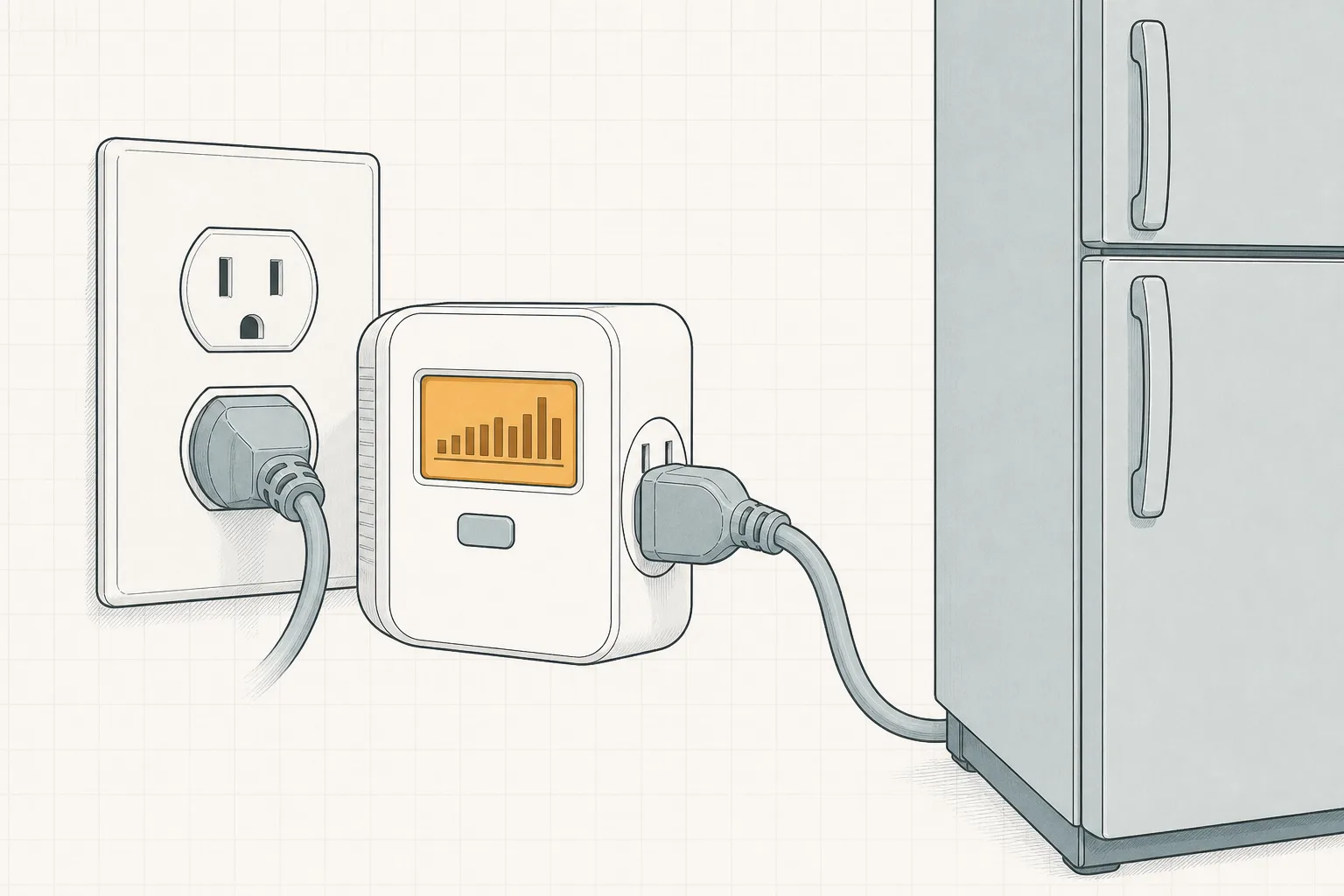
The same logic makes metering plugs a poor permanent home for refrigerators and freezers, even though “what does my fridge really cost” is a fair question. A plug-in power meter used briefly, or the utility’s hourly data, answers it without holding a compressor hostage to a Wi-Fi relay.
From Measured Watts to an Actual Lower Bill
A meter measures; a schedule switches; neither saves anything until a measured number changes a habit. The app’s kilowatt-hour totals will not deduct anything from your bill. The sequence that moves numbers is: find the load (measured), change its schedule or switch it off, then verify in the same app whether the daily kWh line actually bent.
The classic target is the always-on floor: electronics draw power while idle, invisible until something meters it — the Department of Energy’s measurement guidance treats that idle draw as measurable and actionable.[6] This site’s phantom power explainer owns that subject in full; a metering plug hands you your own per-device version of it — the console idling overnight, the media cluster never quite sleeping. Schedule the plug off for the hours nobody uses the device, then compare next week’s kWh to this week’s.
Scale check: the average American household uses about 899 kWh/month a month (EIA’s 2023 figure).[5] One metered device is a slice of that — sometimes visible, sometimes rounding error, and only the meter tells you which. Nobody can promise a percentage or a dollar saving in advance; the honest answer depends on what your devices draw, which is exactly the number the plug puts on screen.
Tapo's mini plug tracks real-time watts and weekly kWh in the app and is Matter certified, so it works across Alexa, Google Home, and Apple Home. Two-pack; no hub required.
Check price on Amazon As an Amazon Associate we earn from qualifying purchases. Price & availability shown on Amazon.com.The Bottom Line
This article answered one question — which smart plugs measure energy — not which plugs are best overall. If you want the data, buy a plug whose spec sheet explicitly says energy monitoring: the Kasa KP115 and KP125M, Tapo P110M, and Emporia Smart Plug are the established choices across three ecosystems, in the $15-40 range. If you only want scheduled on/off automation, the basic class does that job. Then meter one device you already suspect, give the schedule a week, and let measured watts — not marketing watts — decide what comes next.
If the suspect list has outgrown one outlet, the next step up is a screen-first plug-in meter or a whole-panel monitor: Kill A Watt alternatives and the best home energy monitor 2026 cover both rungs of that ladder.
Sources
- Kasa Smart Wi-Fi Plug Slim with Energy Monitoring (KP115) — TP-Link — real-time and historical energy monitoring; UL certified; 2-year warranty; max load 15 A / 1.8 kW at 120 V, 1/6 HP motor. Retrieved August 31, 2026.
- Tapo P110M Mini Smart Wi-Fi Plug, Energy Monitoring — TP-Link — Matter certified; visualized energy consumption with real-time watts and past-7-day kWh. Retrieved August 31, 2026.
- Emporia Smart Plug Compatibility & Buying Guide — real-time energy monitoring; appliances under 1,800 W at 120 V; indoor use only; no subscription; cautions on space heaters and portable A/C. Retrieved August 31, 2026.
- EIA Electricity Monthly Update — End-Use Consumption — residential average price 18.34 cents/kWh in June 2026, +5.0% vs June 2025. Retrieved August 31, 2026.
- EIA — How much electricity does an American home use? — 10,791 kWh average annual household purchases, about 899 kWh/month. Retrieved August 31, 2026.
- U.S. Department of Energy FEMP — Measuring Standby Power — standby power measurement approach. Retrieved August 31, 2026.