Quick Answer
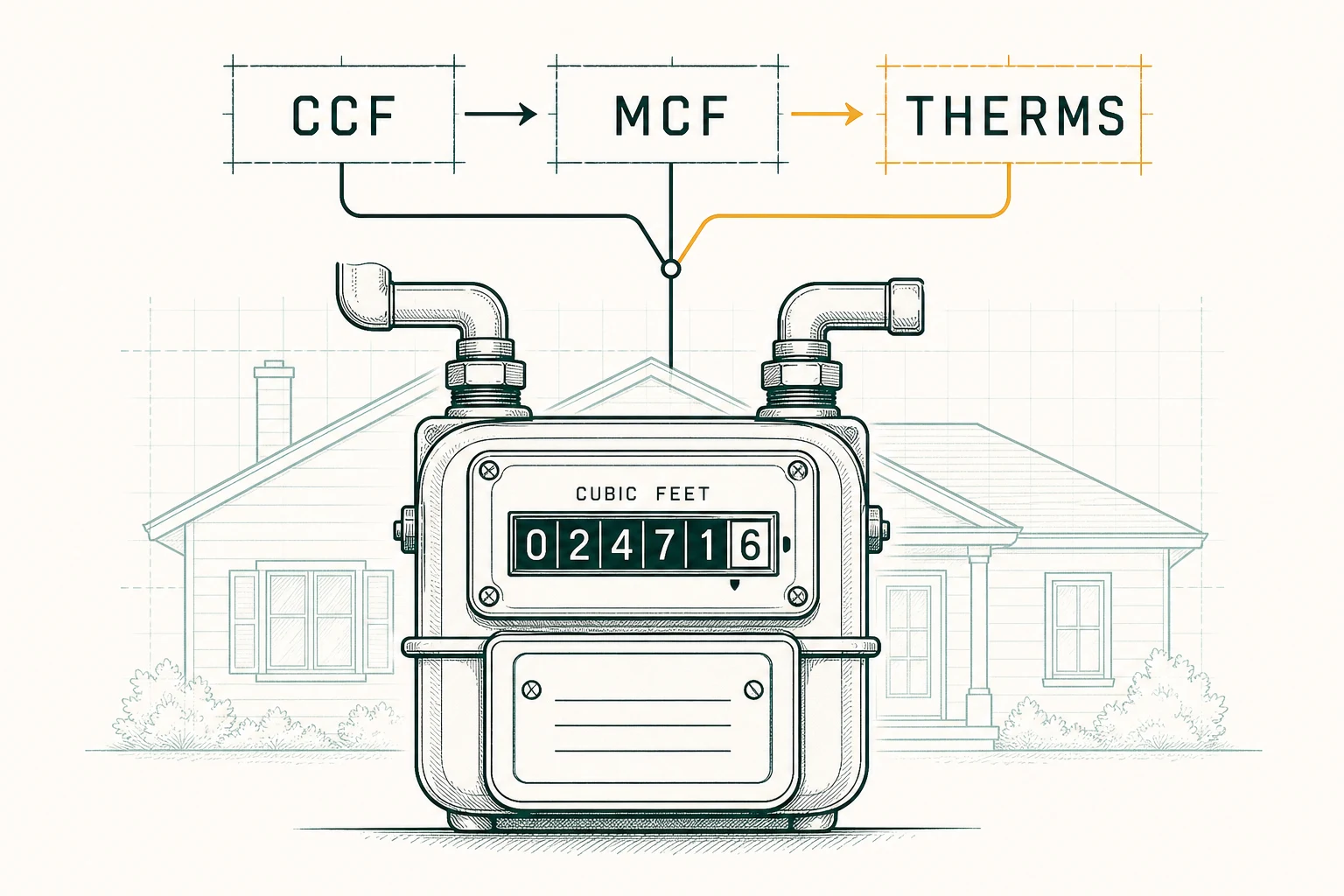
To read a dial gas meter, record the main dials from left to right, writing the lower number whenever a hand sits between two digits; when a hand sits directly on a number, keep that number only if the dial to its right has already passed zero [1]. The dial row you record is only the main row of volume dials — SoCalGas’s worked example records exactly four digits, 0310 — so any auxiliary dials sit outside the official reading [1]. Digital and smart meters hand you the number: copy the register screen exactly and confirm the unit (CCF or therms) on the meter face or your bill; smart meters transmit reads to the utility, and opt-out homes still get a scheduled read each cycle [1].
Why Read Your Own Gas Meter
Utility companies estimate a bill when they cannot physically reach the meter. SoCalGas names the exact causes: vegetation, an unfriendly dog, or a locked gate — and when that happens, “we’ll have to estimate your bill” [1]. An estimate is a projection for that cycle, not what your meter said. When an actual read finally happens, the utility reconciles the account to it, and the accumulated difference typically shows up as an adjustment on a later bill.
Reading your meter the same way, at the same point in each cycle, replaces that guesswork with a dated record. Three reasons it is worth the walk:
- Prevent billing errors. A read can be transposed or mis-entered — 4500 recorded as 5400. Comparing your meter to the bill’s previous-read and current-read fields catches it early, before you pay for gas you did not burn. Our guide to reading your gas bill shows where those fields sit.
- Track seasonal usage. Heating drives gas use up every winter. Monthly readings tell you what a normal January looks like at your house — the baseline you need before you can call a bill abnormal (high gas bill causes).
- Spot a problem early. If the numbers climb while your habits did not change, or the meter moves when every appliance is off, you have a concrete observation to hand the utility while the problem is still small.
Identify Your Meter Type
- Analog dial meter. A row of main dials numbered 0 through 9, the hands turning in different directions — in SoCalGas’s example the first and third dials turn counter-clockwise and the fourth clockwise [1]. If your meter adds small dials outside that main row, they are not part of the read: SoCalGas’s official reading is exactly the four main-row digits [1].
- Digital meter. An LCD register displays the cumulative reading. Some screens cycle through values; you want the one shown as the reading or register.
- Smart meter (AMI). A conventional register on the meter face, but the meter reports usage to the utility automatically. SoCalGas customers who leave the Advanced Meter program get a scheduled in-person read instead: “If you are an Advanced Meter Opt-Out customer, your natural gas meter will be read on or around the date listed” [1].
Read a Dial Gas Meter, Step by Step
Step 1: Open the cover and find the main dials
You should see a row of four main dials numbered 0 through 9. The official reading comes from the main row only: SoCalGas’s worked meter reads “The correct reading for this meter is 0310” — four digits [1].
Step 2: Read left to right
Start with the far-left dial and move right: “Read the dials left to right” is SoCalGas’s first instruction [1]. Dials can turn in different directions — SoCalGas’s example has counter-clockwise first and third dials and a clockwise fourth [1] — so navigate by where each hand points, never by which way it turns.
Step 3: Between two numbers? Write the lower number
When the hand sits between two digits, record the lower one — between 4 and 5, write 4; between 1 and 2, write 1. SoCalGas states the rule directly: “If the hand is between two numbers, always select the lower number” [1]. The hand has not yet reached the higher digit, so the higher digit is still in the future.
Step 4: Between 9 and 0? Write 9
There is one exception that trips people up: ‘When the hand is between “9” and “0,” then “9” is considered the lower number’ [1]. The dial has not finished cycling back to 0, so 9 is the digit still being completed — write 9, not 0.
Step 5: If the hand looks directly on a number, check the dial to its right
SoCalGas gives the exact protocol: ‘When the hand looks as though it is DIRECTLY on the number, look at the dial to the right. If the dial on the right has passed “0,” use the number that the hand is on. If the dial on the right has not passed “0,” use the number less than what the hand is on’ [1]. In their example, the third hand sits on the 1 and the fourth hand is just past 0, so the third dial counts as 1 [1].
Step 6: Worked example (SoCalGas’s meter face)
Following SoCalGas’s sequence [1]:
- First dial: between 0 and 1 → read 0
- Second dial: between 3 and 4 → read the lower number → 3
- Third dial: directly on 1, and the fourth dial has passed 0 → read 1
- Fourth dial: between 0 and 1 → read 0
Correct reading: 0310.
Step 7: From one reading to a month of usage
Here is the same method on a generic set of hands. In January, four main dials sit between 4–5, 5–6, 4–5, and 5–6 → 4545. In February, the same meter shows 4595. The month’s usage is the difference:
4595 − 4545 = 50 Ccf
That is 50 × 100 = 5,000 cubic feet (one Ccf is one hundred cubic feet [3]), which at the 2025 U.S. average heat content of 1,037 Btu per cubic foot converts to 50 × 1.037 ≈ 52 therms — “100 cubic feet (1 Ccf) of natural gas equals 103,700 Btu, or 1.037 therms” [3].
Step 8: Write the digits as one string
No decimals, no spaces, keep leading zeros. 0–3–1–0 is 0310.
The four mistakes to avoid
- Recording the higher number when a hand sits between digits — the single most common dial error.
- Reading by hand direction instead of pointer position; dial directions differ within one meter [1].
- Ignoring the 9-and-0 and direct-on rules — both exist because a dial that has not finished its cycle must not be rounded up early [1].
- Recording decimal digits on a digital register instead of the whole units.
Read a Digital or Smart Meter
Digital registers remove the between-two-numbers judgment entirely:
- Find the display on the front face.
- If the screen cycles through values, wait for — or press the button until you see — the register (total reading) screen.
- Copy the number exactly, including leading zeros; leave off any separated decimal digits only if the register clearly marks them as decimals.
- Confirm the unit on the register or the bill — CCF or therms [3].
If one displayed number is visibly ticking upward while you watch, that is flow happening right now, not the cumulative register; the register is the stable cumulative value. On a dial meter the equivalent early-warning sign is main-row dials moving while every appliance is off — see the leak guidance below for what to do next. A smart meter transmits the read to the utility by itself, but the LCD register can still be read exactly like a digital meter, and that on-screen number is precisely what you want in hand when a bill arrives marked “Estimated.” Customers who opted out of SoCalGas’s Advanced Meter program still get a scheduled read “on or around the date listed” on the utility’s reading schedule [1].
CCF, Therms, and the Conversion Factor
A meter measures volume; a therm bills heat. Connecting them is the one number on a gas bill most people skip — and the one worth checking.
- Cubic feet (cf): raw gas volume; EIA’s heat-content basis is 1,037 Btu per cubic foot (2025 U.S. average) [3].
- CCF: “100 cubic feet (1 Ccf) of natural gas equals 103,700 Btu, or 1.037 therms” at the 2025 U.S. average heat content of 1,037 Btu per cubic foot [3]. Multiply a Ccf reading by 100 to get cubic feet (4545 Ccf = 454,500 cf).
- Therm: a heat unit — 1 therm = 100,000 Btu [4]. Gas heat content “may vary by location and by type of natural gas consumer, and it may vary over time” [3], so the Ccf-to-therm conversion flexes slightly from bill to bill — a fact, not a rounding error.
- kWh equivalent: 1 kilowatthour = 3,412 Btu (standard conversion factor) [4], so 1 therm = 100,000 ÷ 3,412 ≈ 29.3 kWh.
| Unit | Measures | Verified anchor |
|---|---|---|
| Ccf | Volume: 100 cubic feet | 1 Ccf = 103,700 Btu = 1.037 therms at 1,037 Btu/cf U.S. average (2025) [3] |
| Therm | Heat: 100,000 Btu | [4] |
| kWh | Electric-energy equivalent | 1 kWh = 3,412 Btu; 1 therm ≈ 29.3 kWh [4] |
That Ccf-to-therm conversion is the “multiplier” on your bill: therm and Ccf prices are converted using the heat content of the gas, which is why the factor can change from bill to bill [3]. To sanity-check it, take the usage Ccf from two bill reads, multiply by the conversion factor printed on the bill, and the product should match the billed therms within rounding. If your bill instead shows a separate pressure or meter multiplier, that is a utility-specific setup the meter dial itself does not show — get the factor from your utility in writing before recomputing anything.
Estimated vs. Actual Reads
An estimate exists for one reason: the reader could not get to the meter — vegetation, an unfriendly dog, or a locked gate, in SoCalGas’s words, and “we’ll have to estimate your bill” [1]. The estimate is a projection of that cycle’s usage. When a real read lands, the utility reconciles: the account trues up, and any accumulated difference appears on one bill. Neither direction is guaranteed — the estimate can be high or low — which is why a dated record of your own readings is the cleanest protection.
Your read dates follow the utility’s cycle, not the calendar month. SoCalGas: “We use a 21-day read cycle and your meter generally is read on a monthly cycle”, and the cycle number (1 to 21) sits “under the Current Charges section on your natural gas bill and to the right of your meter number” [1]. Read your meter the day before your cycle date and you are comparing your number against the utility’s window, not a shifted month.
Submit a Reading and When to Call the Utility
If your utility accepts customer readings — online, by app, or by phone — a clean submission takes three steps:
- Photograph the meter face first, and note the date and time. That photo is your evidence in any dispute.
- Enter only the main-row dial digits exactly as displayed — no auxiliary dials, no decimal digits. If the bill is in therms and the meter reads Ccf, submit the meter reading as-is; the utility applies the conversion.
- Submit close to your read date so the utility can use your number for the current cycle.
SoCalGas notes that field employees attempt scheduled reads and asks customers to keep the meter reachable — vegetation trimmed, gate unlocked on read day — because blocked access is what produces estimates in the first place [1].
Call the utility:
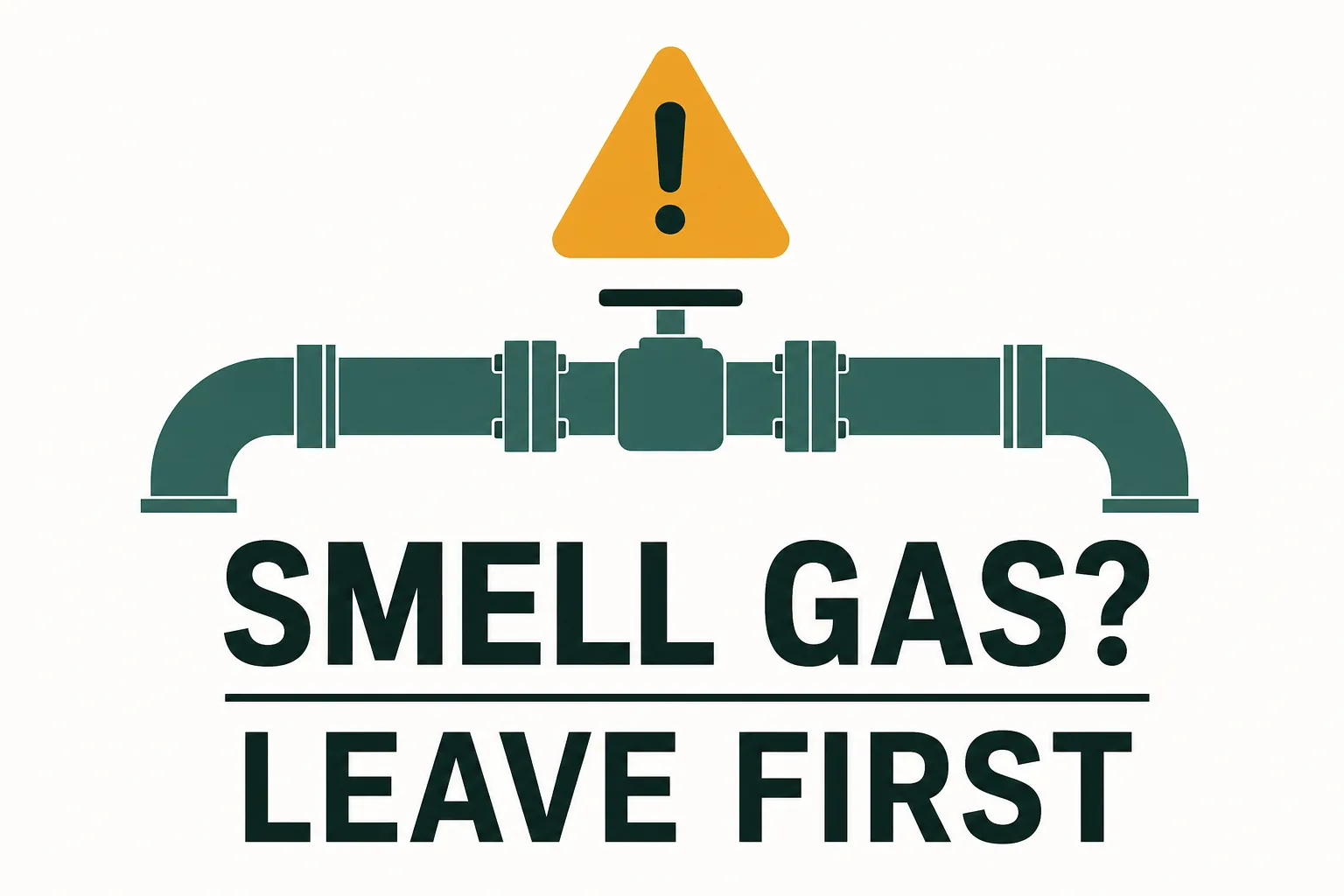
- Immediately, from a safe location, if you suspect a leak. SoCalGas: “If you smell natural gas, suspect a leak, or damage has occurred, IMMEDIATELY EVACUATE THE AREA” and “Call 911 promptly from a safe location” where a leak may endanger life or property [2]. The signs: a damaged appliance connection, dirt or water blowing into the air, hissing or whistling sounds, or “the distinctive odor” added to natural gas so leaks are recognizable [2]. Do not rely on smell alone — odor fade and a diminished sense of smell can hide a leak [2]. Do not smoke or light matches [2].
- If the meter stays unreachable and your bills keep coming back estimated.
- If your own dated readings disagree with the bill’s read fields — bring the photos.
Never open, adjust, or disconnect meter equipment yourself; a meter-flow check is read-only: appliances off, watch the main dials for several minutes, and if they move with nothing running, call the utility or a licensed plumber.
Bottom Line
Dial meter: main dials left to right, lower number between digits, 9-and-0 means 9, and a hand sitting on a digit keeps it only when the dial to the right has passed zero [1]. Digital or smart meter: copy the register and mind the unit. Compare two reads a month apart to get usage in Ccf, multiply by 1.037 for therms at the national-average heat content [3], and keep photo evidence so an estimated bill never surprises you. When in doubt about a leak, evacuate first and call from a safe location [2].
Related Reading: