Quick Answer
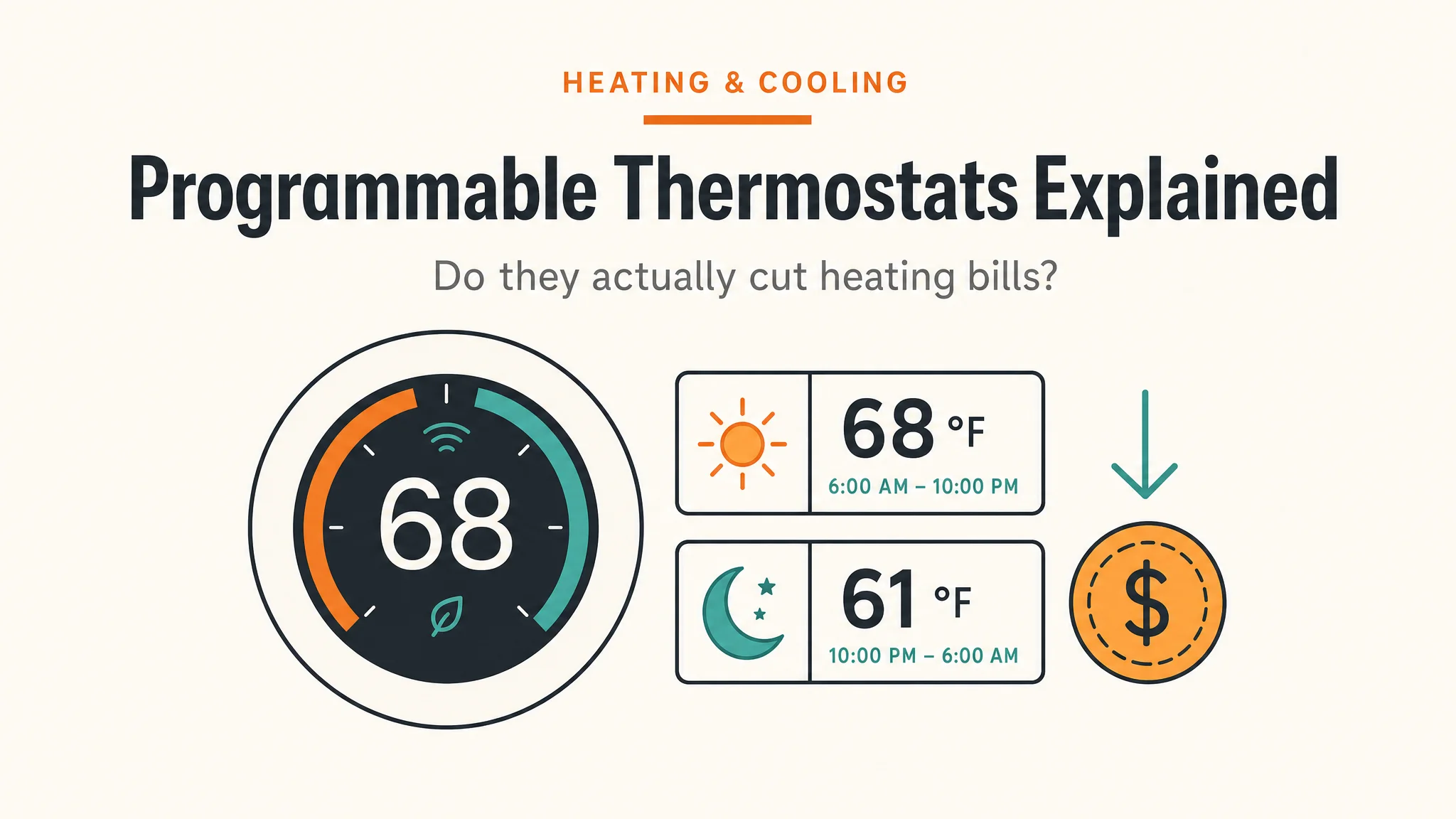
A programmable thermostat can reduce heating and cooling energy use when its schedule lowers or raises the temperature while the home is asleep or unoccupied. DOE recommends resetting a thermostat while asleep or away and notes that an automatic setback can do this without sacrificing comfort.[1]
Results depend on the home, climate, equipment, schedule, and local energy price. Do not rely on a generic payback period, a product-specific savings claim, or a universal temperature schedule.
How Much Can a Setback Actually Save?
The U.S. Department of Energy’s Home Upgrades page puts the typical setback gain at up to 10% on heating and cooling when the setback is 7–10°F for 8 hours a day versus a steady setpoint.[2] That figure is the headline benchmark; the actual amount on your bill depends on how big a temperature swing you apply, how many hours the home is in setback, how cold your winters run, and what your utility charges per therm or per kWh.
The table below compares the three thermostat families you’re most likely to be choosing between. The “typical savings” rows are published figures, not guarantees — see the caveats underneath before picking one.
Savings by Thermostat Type
| Thermostat type | What it does | Typical heating savings | Typical cooling savings | Cost range | Best fit |
|---|---|---|---|---|---|
| Manual dial / non-programmable | One setpoint, you change it by hand | Baseline (0%) | Baseline (0%) | $15–$40 | Renters, single occupant with a stable schedule, anyone who won’t program |
| 7-day / 5-2 programmable | You set a schedule; thermostat follows it | Up to ~10% with a 7–10°F setback for 8h/day (DOE)[2] | Similar range, cooling-side (DOE) | $25–$80 | Homeowners with a consistent weekday/weekend routine |
| Smart learning thermostat | Auto-schedules, occupancy sensing, remote control | ~10–12% heating (Google published figure for Nest Learning)[3] | ~15% cooling (Google published figure for Nest Learning)[3] | $130–$280 | Anyone who forgets to program, has a shifting schedule, or wants app control |
How to read these numbers: the DOE 10% figure is the dataset — independent of brand — that every manufacturer-published number is anchored against.[2] The Google-published 10–12% heating / 15% cooling numbers are from Nest’s own product literature, which use the DOE framing and add home-specific factors.[3] ENERGY STAR certifies smart thermostats that meet independent efficiency criteria, which is why it shows up in the cross-reference column below.[4]
Sits at the upper end of the table above — a learning thermostat that builds a schedule automatically within a week, no manual programming required. ENERGY STAR certified; Google reports typical savings of 10–12% on heating and 15% on cooling, anchored to the DOE 7–10°F / 8h setback framing.[2][3] Best fit if your schedule shifts or you forget to adjust the dial.
Check price on Amazon As an Amazon Associate we earn from qualifying purchases. Price & availability shown on Amazon.com.Caveats that change every number above:
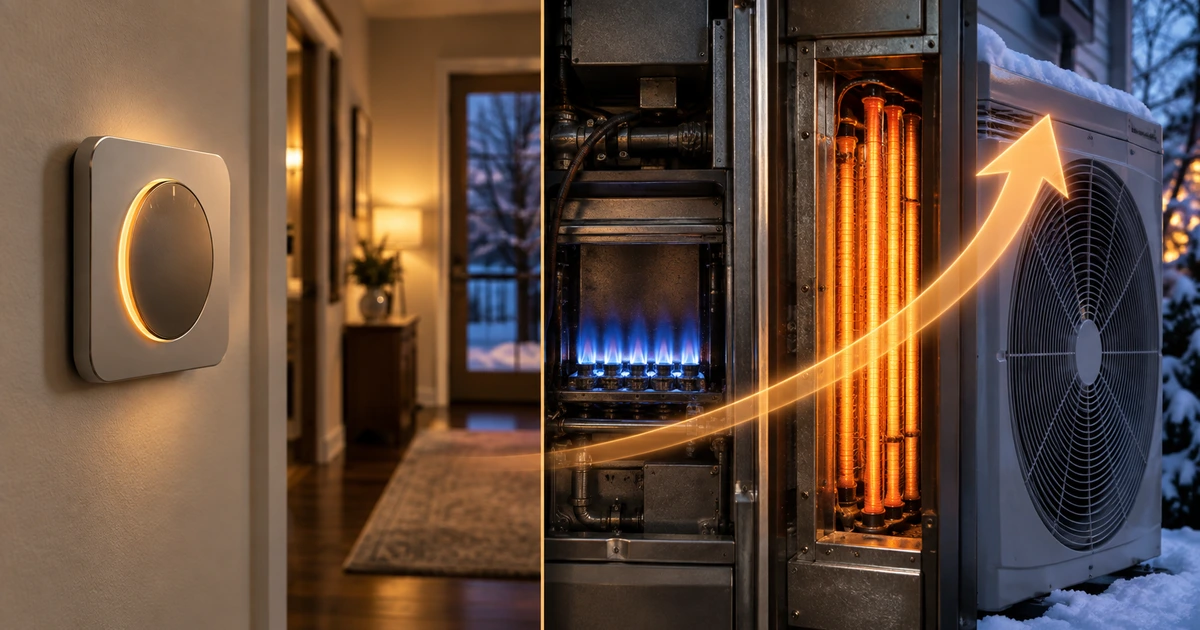
- Equipment type. Heat pumps and dual-fuel systems may not respond to setbacks the way a furnace does; consult the equipment manufacturer’s guidance before applying a setback wider than 2–3°F on a heat pump (see questions below). DOE training material explicitly notes that the thermostat control must fit the HVAC system.[5]
- Climate. The DOE 10% figure is a national average; mild-winter homes see less, severe-winter homes see more.
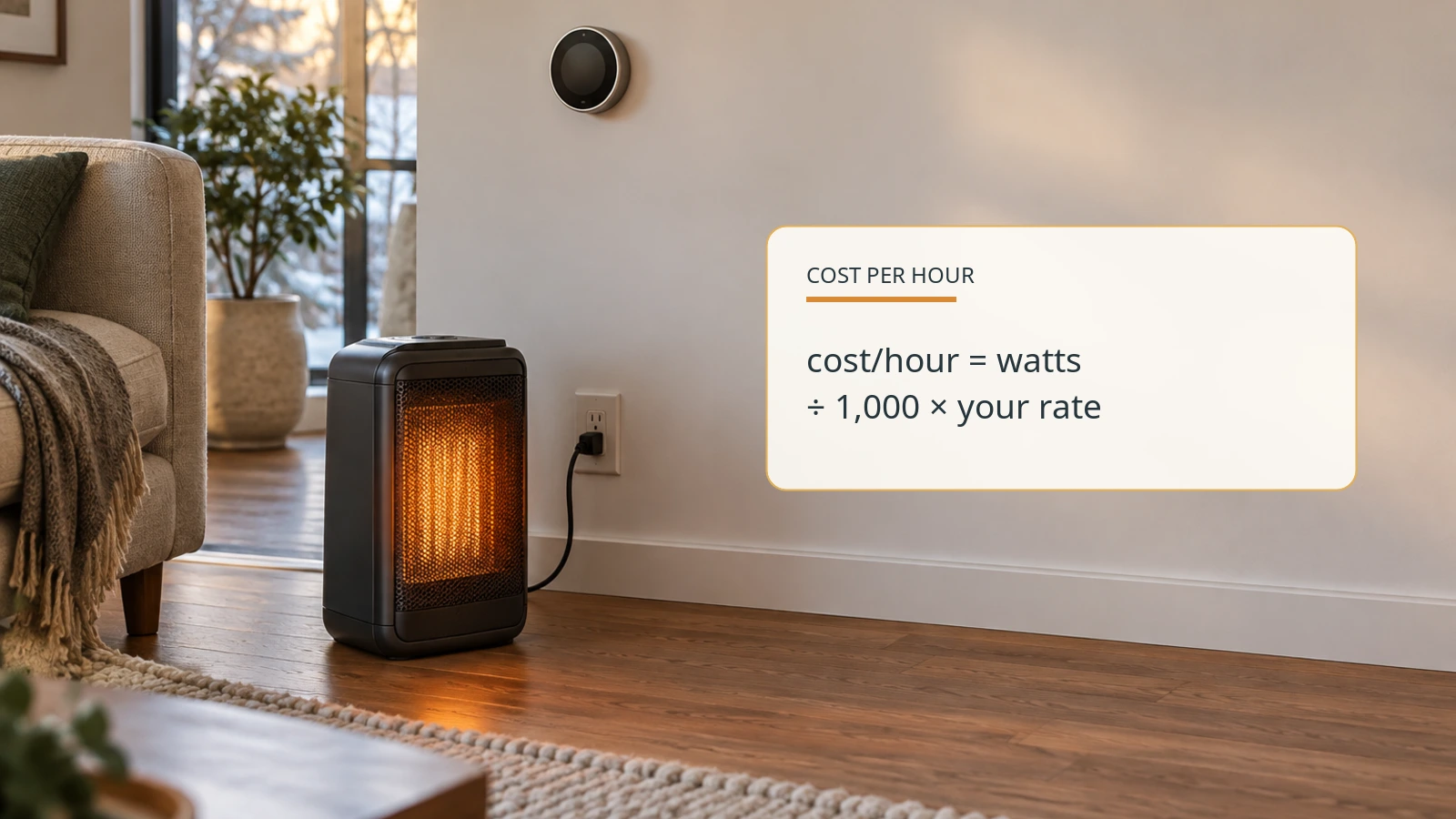
- Local energy price. Savings in dollars depend on the rate per therm or per kWh on your actual bill — not a national average.
- Schedule fit. A setback only saves what it covers — an “away” period you never trigger isn’t saving anything.
On the heat-pump side specifically, if your system seems to run all day in winter, that long runtime is often normal cold-weather behavior — our guide to a heat pump running all day in winter covers the line between normal and inefficient.
Which Type Fits You?
Pick a manual thermostat if:
- You rent and can’t modify the wall unit.
- Your schedule is the same every day and you don’t mind nudging the dial twice.
- You’d rather not spend on a thermostat at all.
Pick a basic 7-day or 5-2 programmable if:
- Your weekday and weekend routines differ and you can sit down for 15 minutes to enter a schedule once.
- You want the DOE 10% savings without paying for learning features or an app.
- You don’t want Wi-Fi, an account, or another device on your network.
Pick a smart learning thermostat if:
Sits in the middle row of the table above — a straightforward 5-2 day programmable thermostat where you set separate weekday and weekend schedules once, then the device applies the DOE-recommended 7–10°F / 8h setback pattern automatically.[2] Single-stage, 1 heat / 1 cool, no Wi-Fi required. The budget-friendly way to capture the up-to-10% savings row without paying for learning features or an app.
Check price on Amazon As an Amazon Associate we earn from qualifying purchases. Price & availability shown on Amazon.com.- Your schedule shifts week-to-week or you’re frequently away from home and want remote control.
- You’d benefit from occupancy sensing — the thermostat drops the setpoint when nobody’s home and recovers before you return.
- You want monthly heating- and cooling-run-time reports you can compare against your bills.
- You have multi-stage or variable-speed HVAC equipment that the thermostat can modulate (Nest and ecobee both publish compatibility lists — verify against your exact system before buying).
How to Use a Schedule Safely
- Start with the equipment manual and the current thermostat settings.
- Set a schedule that matches actual sleeping and away periods.
- Observe comfort and system operation for several billing periods.
- Compare a similar period before and after the change using your own bill.
For heat pumps and dual-fuel systems, use a thermostat and settings appropriate to the equipment. DOE training material notes that programmable and smart thermostats can adjust temperatures based on a schedule or occupancy, but the chosen control must fit the HVAC system.[5] If the bigger question is which equipment to install in the first place, our heat pump vs. gas furnace savings comparison runs the operating-cost math on both systems before you buy a thermostat to control either.
Questions to Ask Before Buying
- Is the thermostat compatible with my exact heating and cooling equipment?
- Does the equipment manufacturer provide guidance for setbacks or recovery?
- Which settings will remain active during an outage or internet loss?
- How will I compare results using my own billing periods and rate plan?
Sits at the upper end of the table above — a learning thermostat that builds a schedule automatically within a week, no manual programming required. ENERGY STAR certified; Google reports typical savings of 10–12% on heating and 15% on cooling, anchored to the DOE 7–10°F / 8h setback framing.[2][3] Best fit if your schedule shifts or you forget to adjust the dial.
Check price on Amazon Price & availability shown on Amazon.com — we may earn a commission.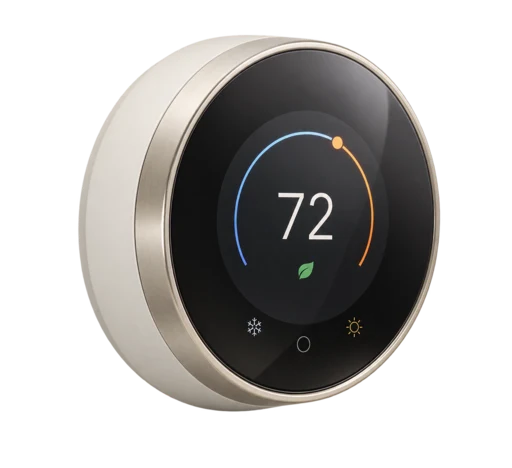
Sits in the middle row of the table above — a straightforward 5-2 day programmable thermostat where you set separate weekday and weekend schedules once, then the device applies the DOE-recommended 7–10°F / 8h setback pattern automatically.[2] Single-stage, 1 heat / 1 cool, no Wi-Fi required. The budget-friendly way to capture the up-to-10% savings row without paying for learning features or an app.
Check price on Amazon Price & availability shown on Amazon.com — we may earn a commission.
Sources
- U.S. Department of Energy: Programmable Thermostats
- U.S. Department of Energy: Home Upgrades — Thermostat Savings
- Google Store: Nest Learning Thermostat (4th gen) — savings figures published by Google for this product
- ENERGY STAR: Smart Thermostats
- U.S. Department of Energy: Thermostats for Heat Pumps and Dual-Fuel Heat Pumps