Quick Answer
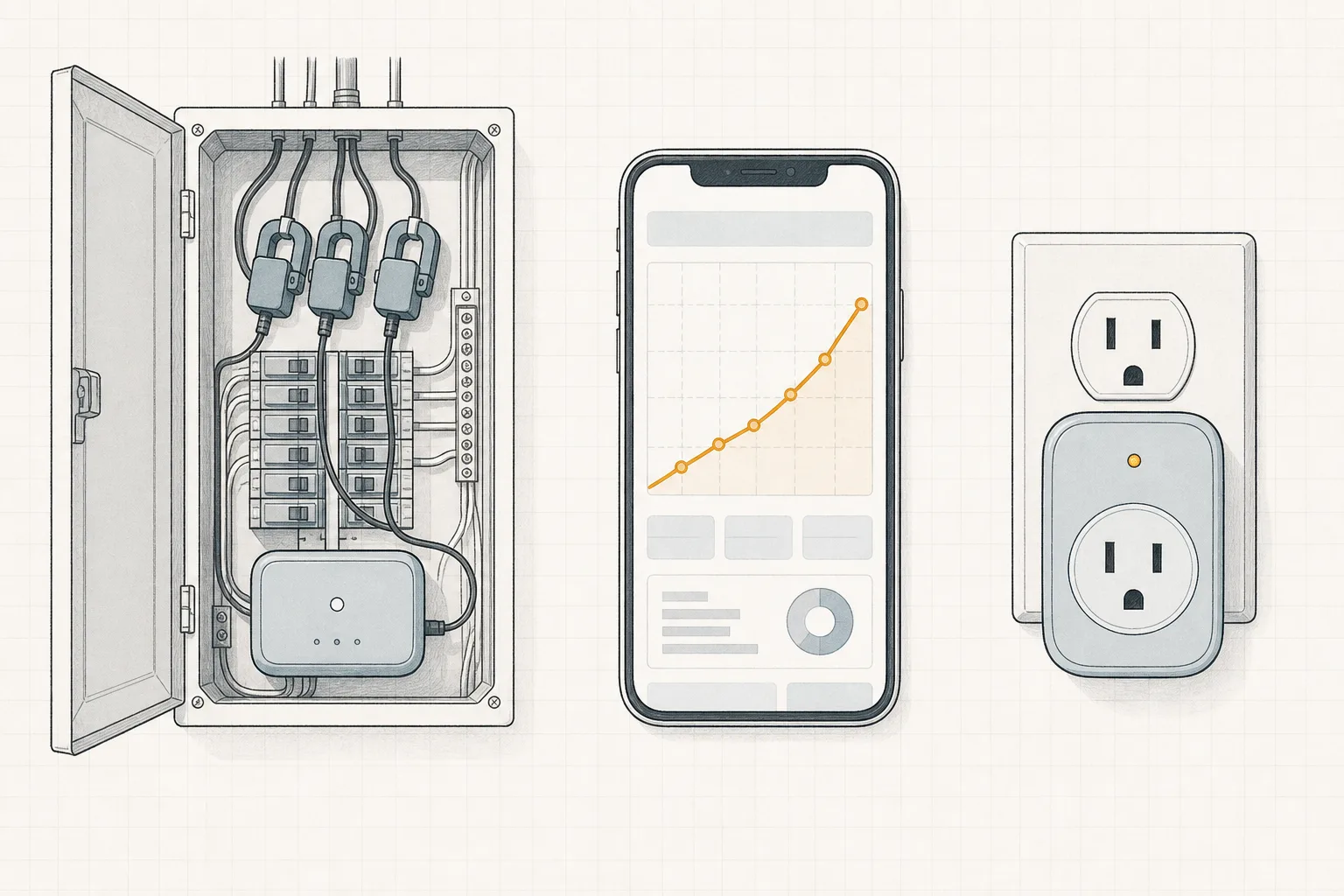
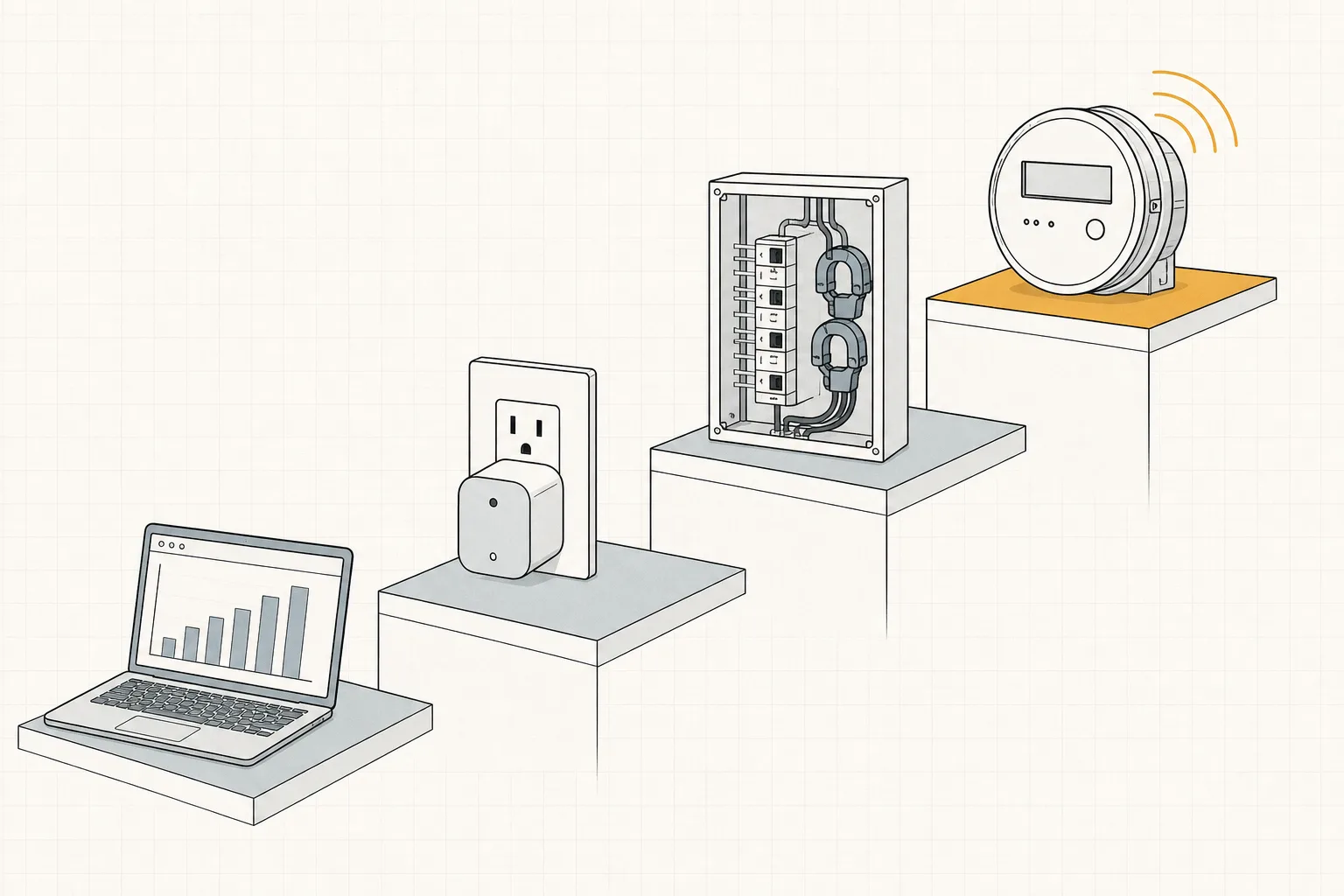
In 2026 there is no single “best” home energy monitor — there is a ladder, and where you start depends on the question you are asking. Free first: your utility’s hourly usage data answers “when does my house use power” at no cost. For one suspicious appliance, a $20–30 metering smart plug (Kasa KP115 or Tapo P110M) gives exact per-device watts and kWh. For whole-home, circuit-by-circuit data, the Emporia Vue 3 (~$100–200 across its current offers) is the mainstream pick now that Sense stopped selling its monitor on December 31, 2025. And if nobody in the house will act on the data, the best monitor is none — spend $0.
That ladder is the shape of this category in 2026. Most “best energy monitor” lists still recommend Sense; those lists are a year stale. This guide covers what is actually buyable now, what each level can and cannot tell you, and how to decide in one sitting.
What Changed in 2026
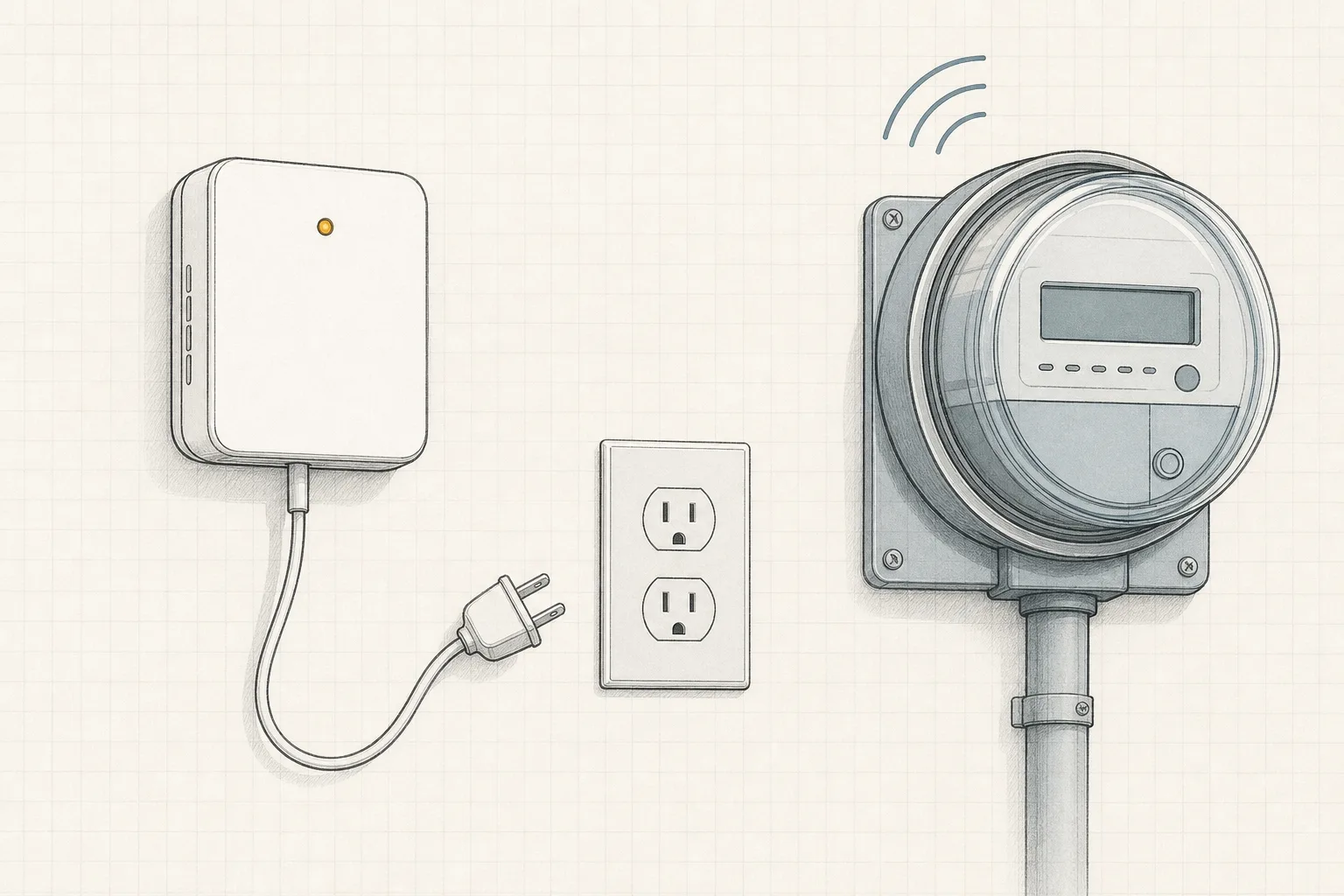
Sense — the machine-learning monitor that identified appliances from your mains — exited consumer hardware on December 31, 2025, moving its detection software into utility-deployed smart meters.[1] Existing Sense monitors keep working with continued app support, but new buyers can no longer get one at retail. The details are in our Sense discontinued guide; the short version for this list: the “software names your appliances” approach is now something your utility may eventually provide, not something you can buy today.
That leaves the buyable market organized by how much of your home you want explained, and how certain you need the answer to be. If you already know you want the whole-home answer, the Emporia Vue 3 (16-sensor kit) is the monitor that now owns that slot — the level-by-level walkthrough below explains why, and when a $20 plug or your utility’s free data is the smarter buy.
The Four Levels of Home Energy Monitoring
| Level | Hardware | Cost band | What it tells you | What it can’t |
|---|---|---|---|---|
| 1. Utility data | None — your smart meter | Free | Whole-home hourly usage | Which device caused any of it |
| 2. Plug metering | Metering smart plug | $20–30 each | Exact watts/kWh for one plugged-in device | Hardwired, 240V, or lighting loads |
| 3. Circuit monitoring | CT-clamp panel monitor | ~$100–200 | Per-circuit whole-home use, real time | Appliance names (a circuit ≠ a device) |
| 4. Utility-embedded detection | Utility smart meter program | Free (if offered) | Device detection, eventually | Availability — rollouts are just starting |
Start at level 1 regardless. Most utilities with smart meters expose hourly usage in their account portal, often with downloadable Green Button data. It won’t name your devices, but it answers two questions for free: is your usage actually unusual, and when does your house burn its power? If your bill problem turns out to be a rate plan or an estimated read, no monitor was going to fix it — why is my electric bill so high walks that check in fifteen minutes.
The Picks, by Question
“What does this one appliance actually cost?” — a metering smart plug
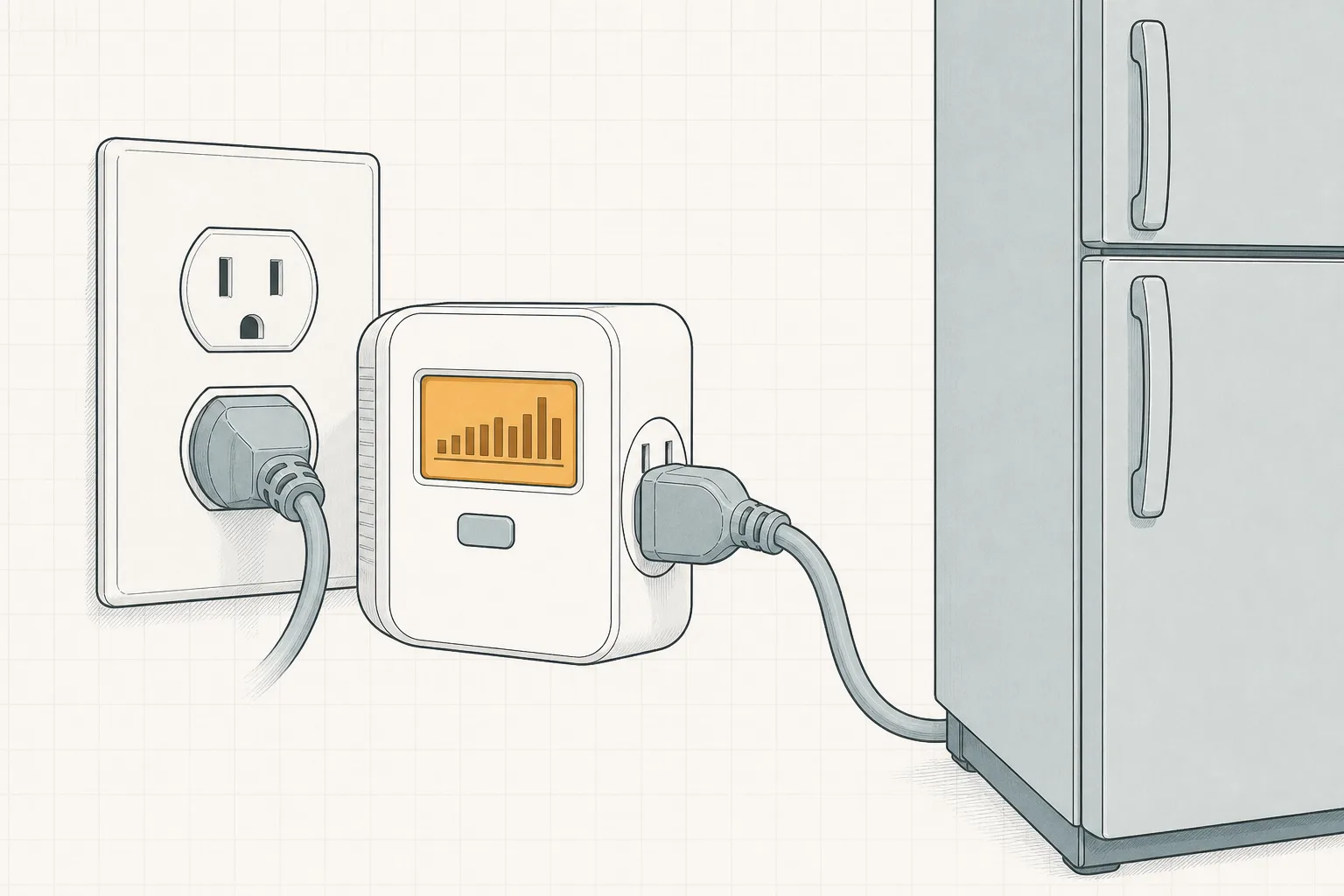
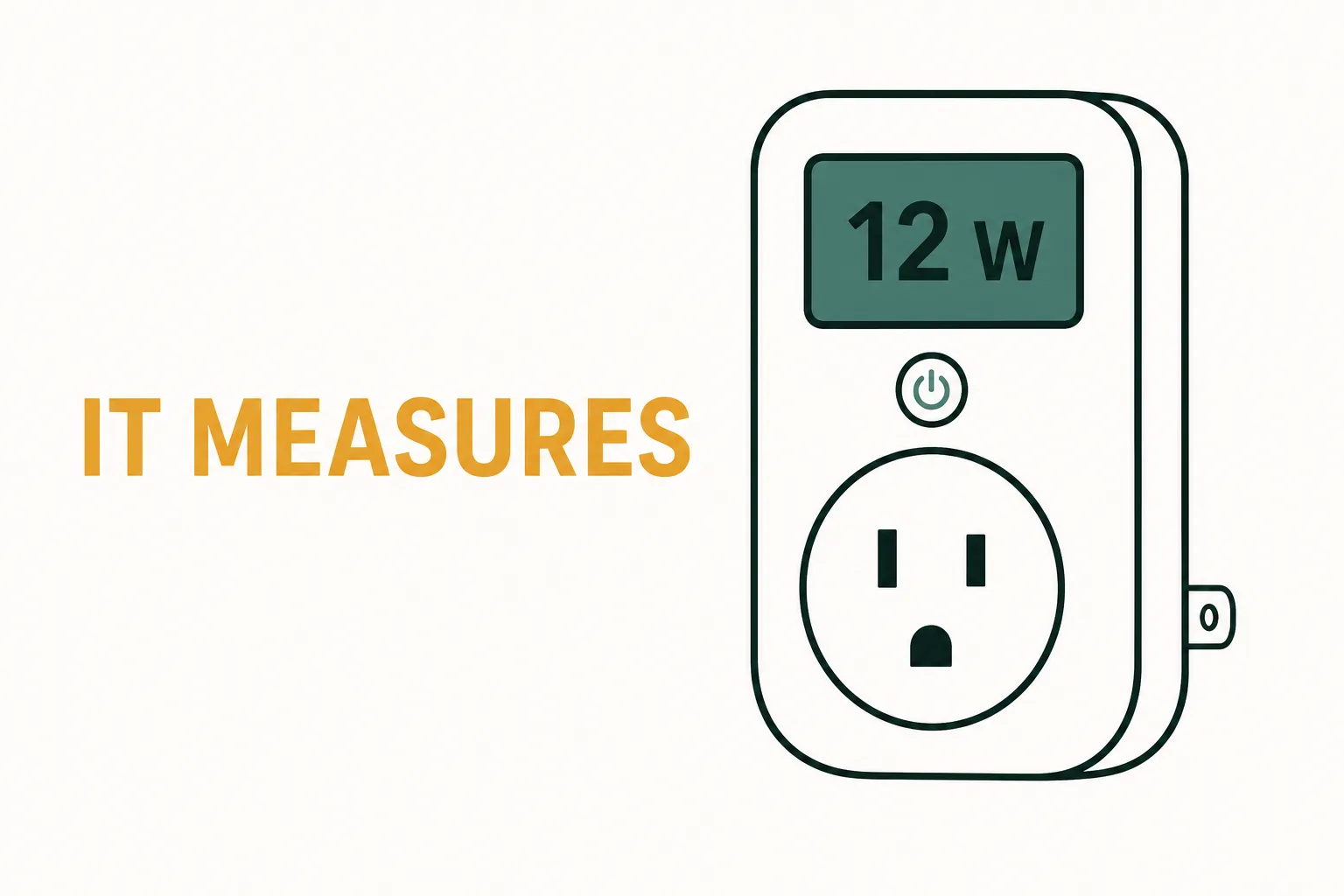
The cheapest certain data in the house. A metering plug measures exactly one device — no inference, no learning period — and shows live watts plus accumulated kWh in its app. The established models:
Real-time watts and day-by-day kWh history in the Kasa app for whatever is plugged in. UL certified, 15A/1800W rated, no hub. Best first purchase if one device is the suspect.
Check price on Amazon As an Amazon Associate we earn from qualifying purchases. Price & availability shown on Amazon.com.Real-time watts and day-by-day kWh history in the Kasa app for whatever is plugged in. UL certified, 15A/1800W rated, no hub. Best first purchase if one device is the suspect.
Check price on Amazon Price & availability shown on Amazon.com — we may earn a commission.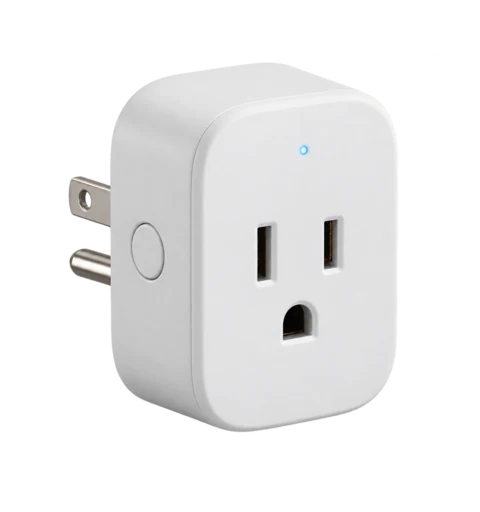
TP-Link's current-generation metering plug: real-time watts and weekly kWh in the Tapo app, Matter-certified for Alexa, Google Home, and Apple Home. Two outlets in one box.
Check price on Amazon Price & availability shown on Amazon.com — we may earn a commission.
Two rules of thumb: buy plugs whose spec sheet literally says “energy monitoring” (most smart plugs are just switches — our which smart plugs measure energy guide names the difference), and don’t perch compressors (fridges, window ACs) permanently on a plug relay for metering’s sake — a brief measurement answers the question without holding a compressor hostage to Wi-Fi.
For a screen-first, no-app single device, a plug-in watt meter (the Kill A Watt family) does the same job with a display and no network at all — Kill A Watt alternatives in 2026 covers when that’s the better tool.
“Which circuit is eating my bill?” — Emporia Vue 3 (the whole-home pick)
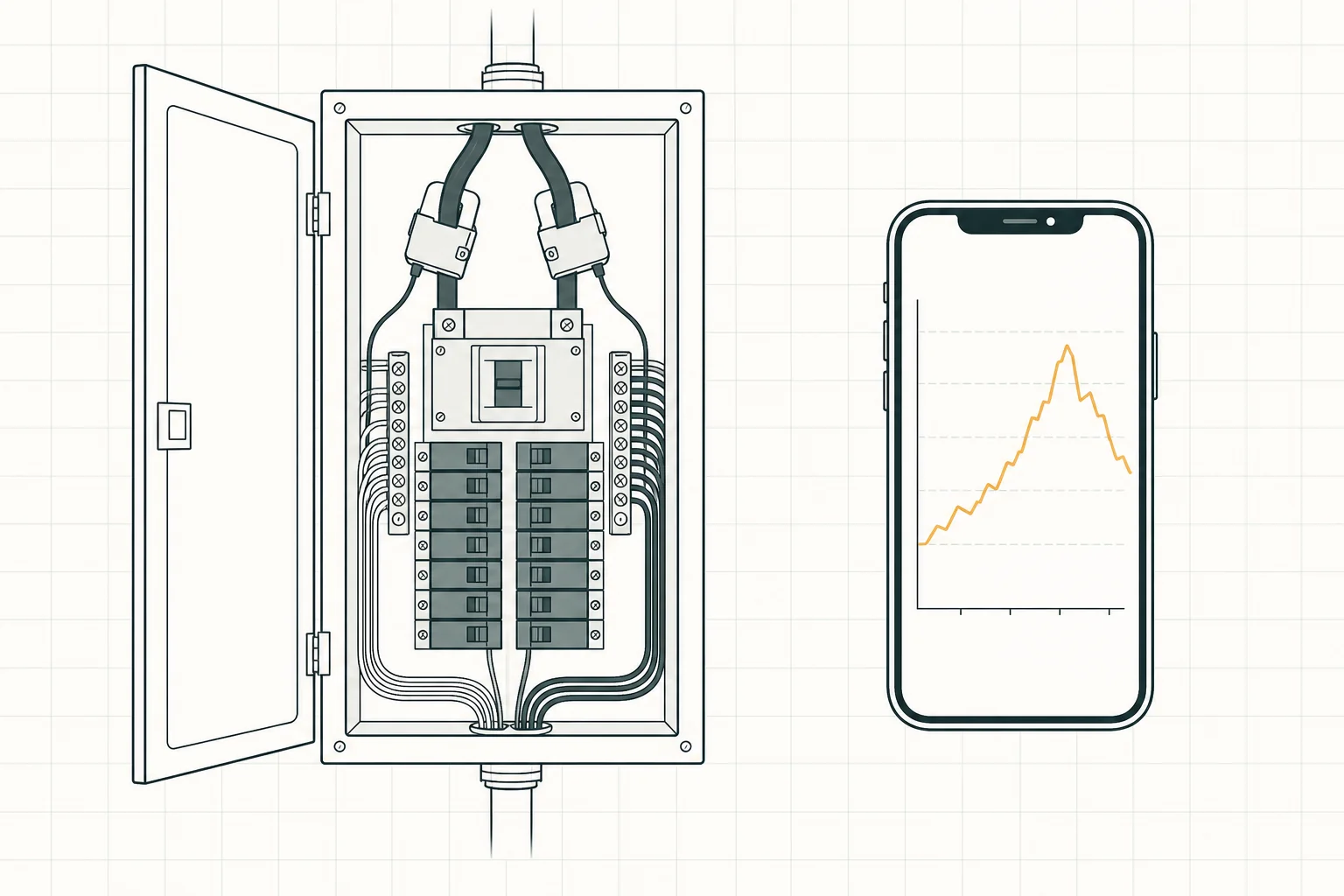
With Sense gone from retail, the Vue 3 is the mainstream whole-home monitor: CT clamps install in your electrical panel and meter up to 16 individual circuits plus your mains, each reporting real-time watts, kWh, and history in the app — named by circuit, visible from day one, no learning period.[2] It supports solar/net-metering configurations and is UL certified.[2]
Direct per-circuit metering: the Vue 3 hub plus 16 branch CT sensors and mains clamps, reporting each circuit's real-time watts, kWh, and history in one app. Solar-ready, UL certified. Certainty over inference: what you clamp is what you see. A monitor-only version (whole-home totals, no branch sensors) and an 8-sensor kit cost less — this is the full-coverage kit.
TP-Link's current-generation metering plug: real-time watts and weekly kWh in the Tapo app, Matter-certified for Alexa, Google Home, and Apple Home. Two outlets in one box.
Check price on Amazon As an Amazon Associate we earn from qualifying purchases. Price & availability shown on Amazon.com.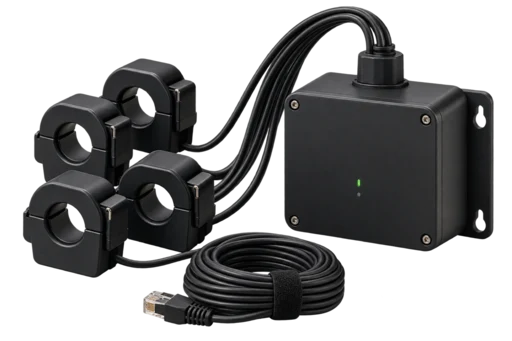
The honest limits, same as any circuit monitor:
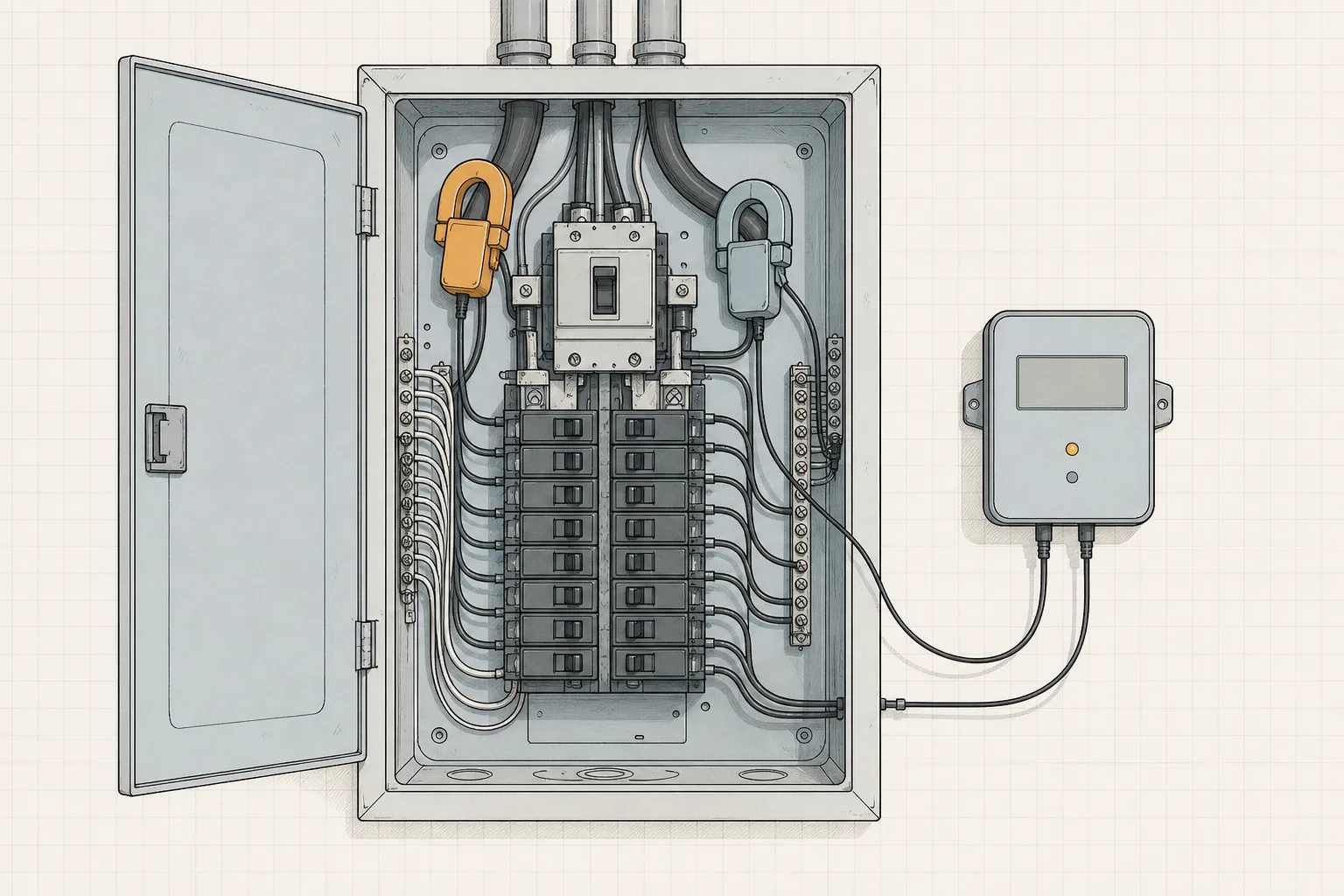
- Install is panel work. Clamps attach inside your electrical panel; if you have never worked in one, an electrician is the recommended default. That also excludes renters — the plug tier is the renter’s whole toolkit.
- Circuits are not appliances. A Vue tells you “the kitchen small-appliance circuit used 210 kWh.” If the toaster, the air fryer, and the coffee maker share that breaker, the monitor can’t split them — a plug meter can, for those two devices.
- Coverage is what you clamp. A crowded panel may not fit clamps for every circuit; unclamped loads appear only in the whole-home total.
- It measures; it doesn’t save. The mechanism to a lower bill is you, changing a schedule or a habit because a chart embarrassed you into it. That mechanism — and when it fails — is the subject of do home energy monitors save money.
The full method trade-off (direct circuit metering vs. Sense’s mains inference, and what changed) is in Emporia Vue 3 vs Sense.
“Can software just tell me what’s running?” — eventually, your utility might
This was Sense’s signature trick, and it survives — inside utility meters. Sense’s detection is being embedded in next-generation utility smart meters expected to reach “tens of millions of homes” in the coming years.[1] Today that is a question for your utility (“do you have, or plan, Sense-enabled meters?”), not a product on a shelf. Watch this space; don’t budget for it.

Which Level Should You Buy? A Decision Table
| Your situation | Start at | Typical total spend |
|---|---|---|
| Bill went up, cause unknown | Utility data + the 15-minute bill check | $0 |
| One suspect device (old fridge, entertainment center, spa pump) | One metering smart plug | $20–40 |
| Two or three suspects | 2–3 metering plugs (2-packs are cheaper per outlet) | $40–70 |
| Want the whole panel visible, own the home, will act on data | Emporia Vue 3 (+ electrician if needed) | ~$100–200 + labor |
| Renter | Metering plugs only — panel monitors are off the table | $20–70 |
| Nobody will change any habit | Nothing | $0 |
For scale on what’s at stake: the average U.S. household buys about 899 kWh a month,[4] and at the June 2026 national average of 18.34¢/kWh[3] that’s roughly a $165 monthly bill. A monitor’s job is finding which slices of that are negotiable — the Department of Energy’s measurement guidance treats exactly this kind of visibility as the precondition for acting on standby loads.[5]
Direct per-circuit metering: the Vue 3 hub plus 16 branch CT sensors and mains clamps, reporting each circuit's real-time watts, kWh, and history in one app. Solar-ready, UL certified. Certainty over inference: what you clamp is what you see. A monitor-only version (whole-home totals, no branch sensors) and an 8-sensor kit cost less — this is the full-coverage kit.
Check price on Amazon As an Amazon Associate we earn from qualifying purchases. Price & availability shown on Amazon.com.What to Ignore in 2026 Monitoring Marketing
- “Reduces your bill X%” — monitors measure; behavior saves. Any promised percentage is a promise about you, not the device.
- Stale “best of” lists recommending Sense — it is no longer sold new.[1]
- Subscription creep — check whether a monitor’s app locks historical data behind a monthly fee before buying; the hardware price is not always the whole price.
- Appliance-level promises from circuit data — a 16-circuit monitor gives 16 truths, not a device inventory. If you need per-appliance certainty at specific outlets, that’s the plug tier’s job.
The Bottom Line
The 2026 best home energy monitor is a sequence: utility data for free, a $20–30 metering plug for the devices you actually suspect, and the Emporia Vue 3 if you own your home and want the whole panel instrumented. Between tiers, certainty goes up with proximity — the plug knows its one device exactly; the panel knows its circuits honestly; the utility bill knows the total truth. Buy the level that answers the question you actually have, and let measured numbers — not marketing — decide whether the next tier is worth it.
Are home energy monitors worth it in 2026?
What replaced the Sense energy monitor?
Can I monitor my home's energy use for free?
Sources
- Sense — Looking Ahead: The Next Chapter for Sense — consumer hardware sales ended December 31, 2025; detection moving into utility smart meters; existing monitors supported. Retrieved 2026-09-06.
- Emporia Vue 3 product page — Emporia Energy — up to 16 circuit sensors, mains clamps, solar/net metering support, UL certification. Retrieved 2026-09-06.
- EIA Electricity Monthly Update — End-Use Consumption — average residential price 18.34¢/kWh, June 2026. Retrieved 2026-09-06.
- EIA — How much electricity does an American home use? — ~899 kWh/month average household purchases. Retrieved 2026-09-06.
- U.S. Department of Energy FEMP — Measuring Standby Power — measurement as the precondition for acting on standby loads. Retrieved 2026-09-06.