Quick Answer
A time-of-use plan changes the electricity price at defined times, but the periods, seasons, eligibility, and total bill effect are set by the specific utility tariff. DOE distinguishes time-of-use rates, which change by set amounts at set times, from dynamic rates tied to wholesale-market movement.[1]
Do not use a generic peak-hour table or savings estimate to decide whether to enroll. Compare the current utility schedule with your own interval data or bill history.
Real-World TOU Rate Schedules (2026)

Every utility sets its own peak and off-peak windows. The table below shows three current examples. Your rate will differ — look up your utility’s tariff, not this table.
| Utility / Plan | Peak Window | Off-Peak Window | Peak Price (per kWh) | Off-Peak Price (per kWh) | Notes |
|---|---|---|---|---|---|
| PG&E E-TOU-C (California)[4] | 4:00 PM – 9:00 PM every day | All other hours | $0.52240 (summer), $0.39757 (winter) | $0.39940 (summer), $0.36757 (winter) | Total bundled rate; baseline credit of $0.08140/kWh applied to first-tier usage. Effective March 2026. |
| Con Edison Residential TOU (New York)[5] | 8:00 AM – 12:00 AM weekdays; super-peak 2:00–6:00 PM weekdays June–Sept | 12:00 AM – 8:00 AM weekdays + all weekend | ~$0.2786 supply + $0.1711 delivery | $0.0522 supply + $0.1711 delivery | Delivery charge ($0.1711/kWh) is fixed; supply portion varies with market. |
| TXU Energy Free Nights & Solar Days (Texas REP)[6] | 9:00 AM – 9:00 PM | 9:00 PM – 9:00 AM | $0.149/kWh + $9.99/mo base | $0.00/kWh (up to 2,000 kWh/mo) | Fixed-price term plan; free overnight usage limited. Rates vary by zip code. |
Load-Shift Example: Dishwasher at Peak vs. Off-Peak
A standard dishwasher cycle uses about 1.5 kWh per load. Running it once daily at peak vs. off-peak changes the annual cost:
| Utility | Peak Cost per Load | Off-Peak Cost per Load | Annual Savings (1 load/day) |
|---|---|---|---|
| PG&E (summer, above baseline) | $0.78 | $0.60 | ~$66 |
| Con Edison (summer, supply + delivery) | $0.67 | $0.33 | ~$124 |
| TXU Free Nights (nights at $0) | $0.22 | $0.00 | ~$80 |

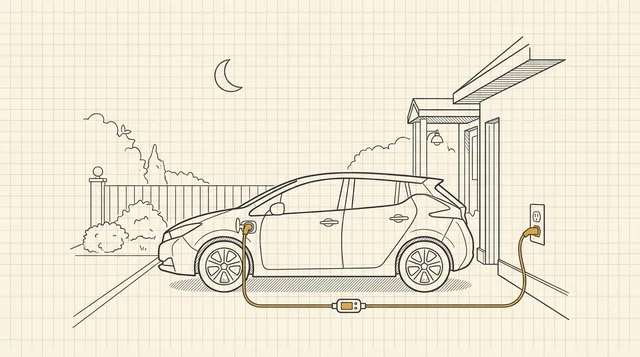
Rate notes, as of the effective dates shown above: PG&E figures reflect the E-TOU-C schedule effective March 2026 — confirm current rates on the utility’s tariff page before planning around them, and note that TXU-style “free nights” plans typically cap the free energy (around 2,000 kWh/month on TXU’s plan); a single daily dishwasher load stays far below it, but shifting your whole home onto a free-nights plan depends on your total usage. And if your statement also carries a separate demand line alongside the time-based energy prices, that is a different mechanism — see demand charges on electricity bills: what they are and when they apply. An EV battery is the biggest shiftable load most households ever add — for the math on a month of overnight charging, see how EV charging affects your electric bill.
You can automate the shift with a
15A / 1800W rating handles plug-in appliances (many US dishwashers are hardwired — check yours before buying; this suits washers, dryers with NEMA 14-30 smart plugs, and plug-in dishwashers). Schedule the outlet to turn on after peak hours end and track daily kWh in the app.
15A / 1800W rating handles plug-in appliances (many US dishwashers are hardwired — check yours before buying; this suits washers, dryers with NEMA 14-30 smart plugs, and plug-in dishwashers). Schedule the outlet to turn on after peak hours end and track daily kWh in the app.
Check price on Amazon As an Amazon Associate we earn from qualifying purchases. Price & availability shown on Amazon.com.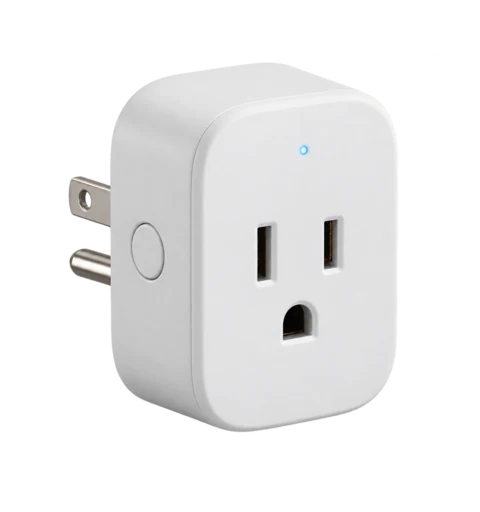
If you are building out this kind of automation, the wider shopping shortlist is here: best smart plugs to eliminate standby power drain.
Get the Current Rate Schedule
Ask the utility for the tariff and confirm:
| Item | What to verify |
|---|---|
| Plan availability | Is the plan offered for your account and address? |
| Time periods | What hours, weekdays, holidays, and seasons apply? |
| Prices | Which supply, delivery, rider, and fixed charges change under the plan? |
| Metering | Is interval data or additional equipment required? |
| Enrollment rules | What start date, term, switching, and notice rules apply? |
| Program events | Does the plan include demand-response or other event rules? |
DOE’s program resources describe time-variable pricing programs and load-shifting opportunities, but actual program terms must come from the local utility.[2][3] Once you have the schedule in hand, the broader question is whether this plan type fits your household at all — which rate plan is right for you compares flat, TOU, and tiered side by side.
Compare With Your Own Usage
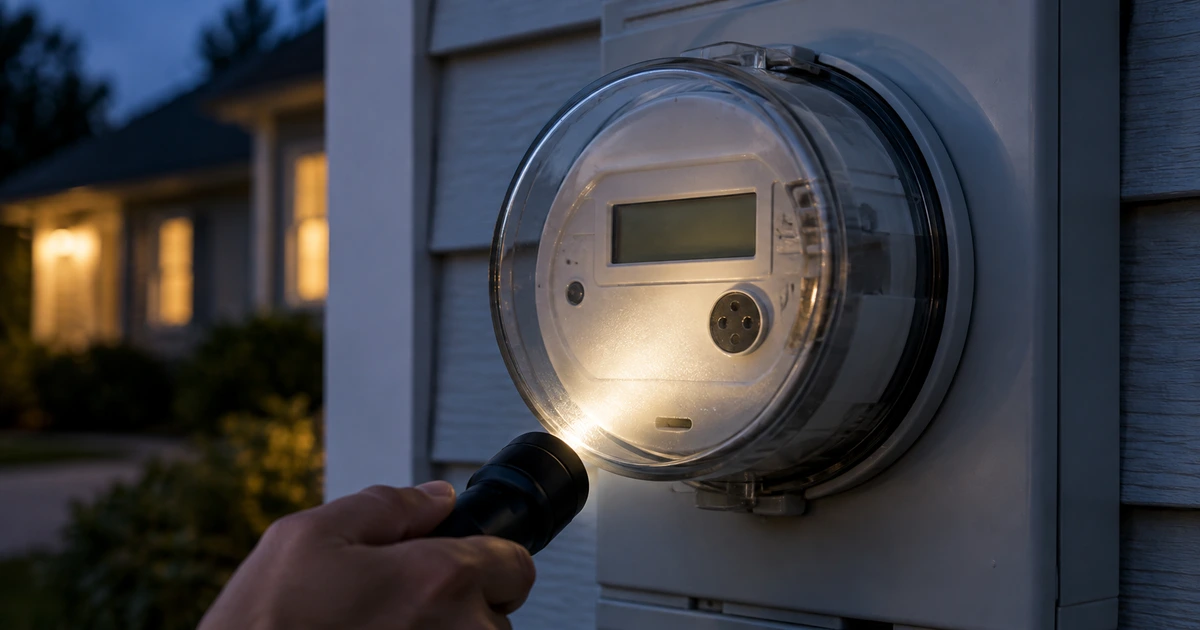
Use several comparable billing periods. If the utility provides interval data, group your kWh by the time periods listed in the proposed tariff — how smart meters work explains where that interval data comes from and how it is recorded. If interval data is unavailable, ask the utility whether it can provide a plan-comparison tool or a usage report.

Compare the complete bill, not only the advertised energy price. Include fixed charges, delivery components, taxes, riders, and any changes in billing days or seasons.
Before You Change When You Use Electricity
Only shift loads when it is safe, convenient, and consistent with equipment instructions. Do not alter medical, safety, heating, cooling, electrical-panel, or charging-equipment settings solely because of a generic schedule. Confirm your actual peak periods and program rules first — and before you lock in new habits, check what time is electricity cheapest in your area, since off-peak windows are set by your utility’s tariff, not by a national clock.

Questions Before Enrolling
- Can you calculate the proposed plan against my historical usage?
- Which charges can change, and which remain the same?
- What exact peak, off-peak, holiday, and seasonal periods apply?
- What happens if I later want to leave the plan?
- How will future tariff changes be announced?
Save the tariff version and enrollment confirmation with your bill records.
The questions above work best against a bill you can already read with confidence: reading your electric bill line by line shows what each charge on your current statement means, so the comparison the utility runs against your historical usage is one you can check yourself.
That is the whole review in one pass: get the tariff’s real schedule, match it against your own interval data or bill history, move the loads that are safe to move, and keep the confirmation with your records — do that, and the plan either proves itself on your numbers or you walk away before enrolling.
Related Reading
- Which Rate Plan Is Right for You? Comparing Flat, TOU, and Tiered — the plan-decision guide this page’s schedule review feeds into.
- Demand Charges on Electric Bills: How They Differ From TOU Pricing — the other rate mechanism that can sit on a TOU statement.
- Electric Bill Breakdown: How TOU Charges Appear on Your Statement — where the time-based charges land among the line items.
- What Time Is Electricity Cheapest? A Practical Guide — the when-to-run-it companion to this page.
- How Smart Meters Work: Enabling TOU Pricing With Interval Data — the metering behind the pricing.
- Why Is My Electric Bill So High? The Full Diagnosis Checklist — if you came here chasing a bill jump.